PoE vs Non-PoE

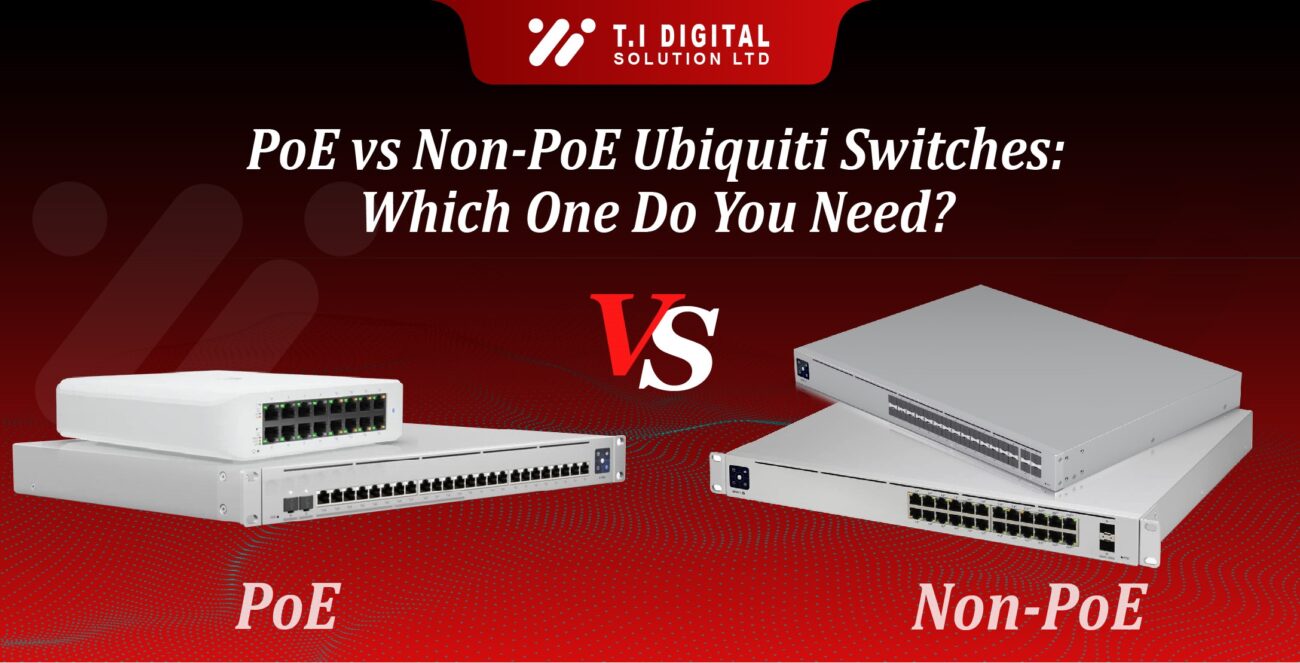
PoE vs Non-PoE Ubiquiti Switches: Which One Do You Need?

When you’re planning a network upgrade for your office, retail store, or even a smart home, one of the most important decisions is choosing between a PoE (Power over Ethernet) switch and a non-PoE switch.

For many IT professionals and business owners, the choice can be confusing. Both options are available in the Ubiquiti UniFi Switch (USW) series, but they serve very different purposes. 

[ez-toc]

In this guide, we’ll explain:

  • The difference between PoE and non-PoE switches.
  • When to choose each type in real-world deployments.
  • The best Ubiquiti switch models for SMBs, enterprises, and home users.
  • Cost comparisons, myths, and practical tips.

If you want the bigger picture of UniFi networking, don’t miss our Ubiquiti Network Switches: Complete Guide for Businesses and IT Professionals.

What Is a PoE Switch?

A PoE switch delivers both data and power through the same Ethernet cable. That means one cable can connect your device to the network and power it up — no need for separate power adapters or injectors. 

Key Benefits of Ubiquiti PoE Switches:

  1. Cleaner Installations:

    You don’t need power sockets near every device. This is especially useful for wireless access points (APs) that are often mounted on ceilings.
  2. Centralized Power Management:

    With PoE, you can reboot or power cycle devices remotely from the UniFi Controller.
  3. Flexibility for Expanding Networks:

    PoE makes it easy to add more devices, like UniFi Protect cameras or VoIP phones, without worrying about power sources.
  4. Reduced Cable Clutter:

    One cable per device makes for a much cleaner network rack or wall mount.

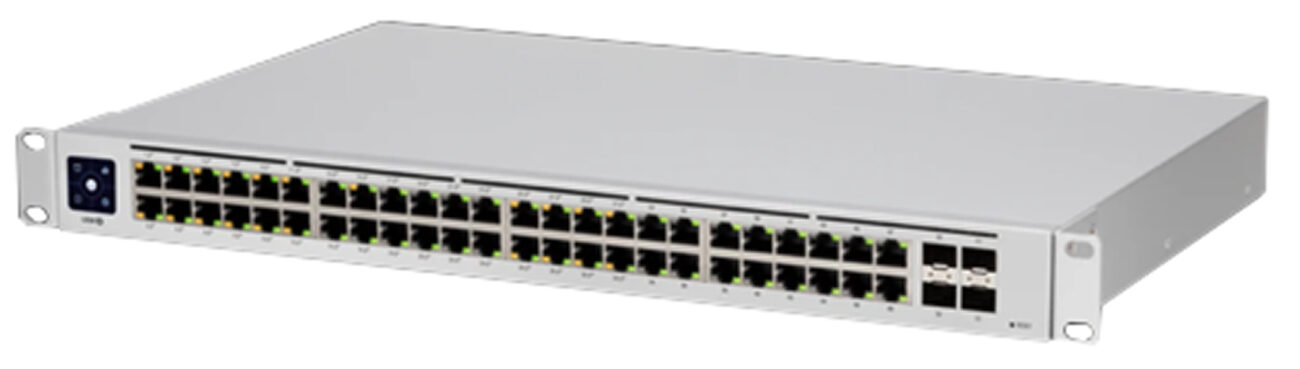
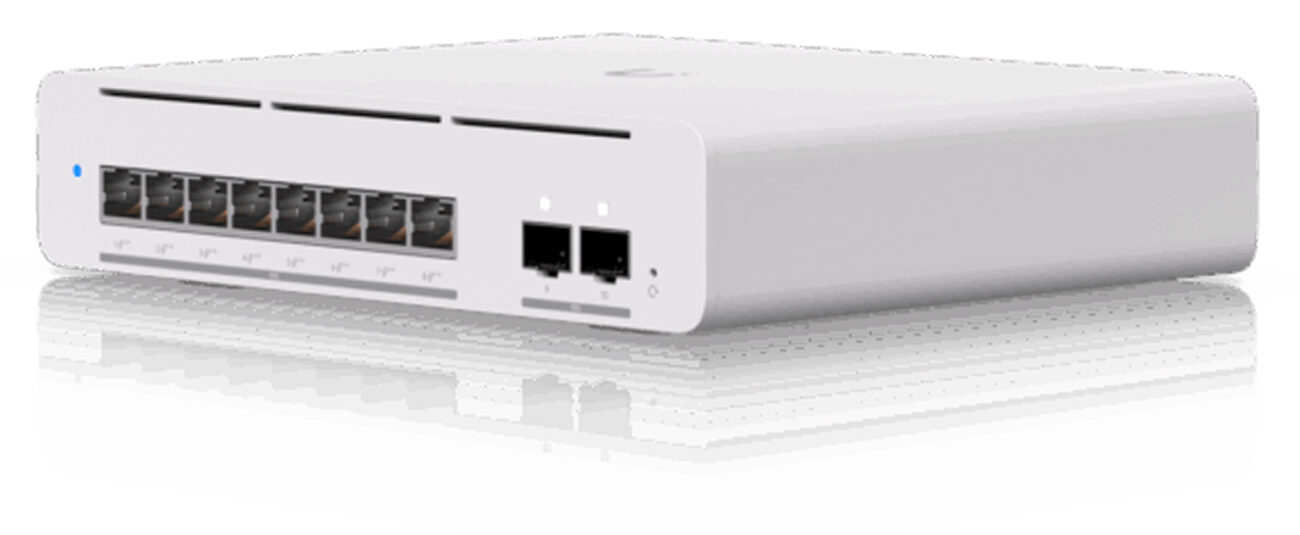
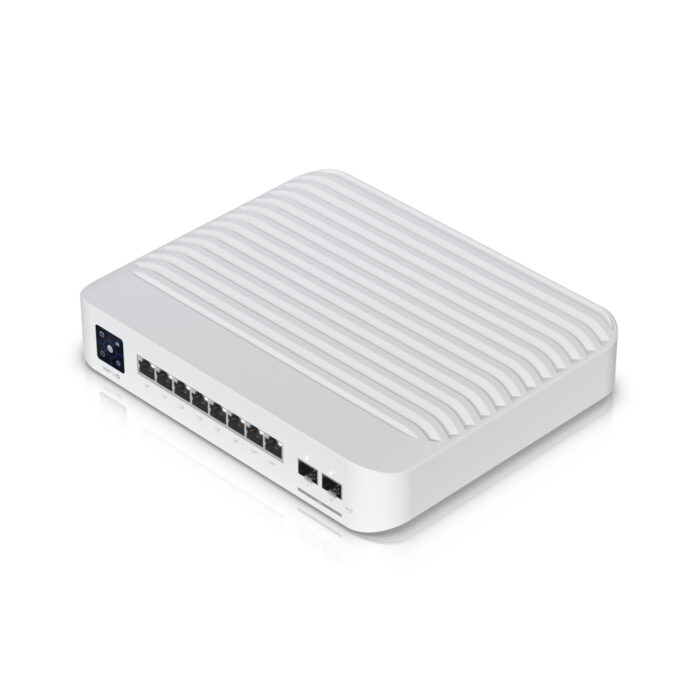
Example: The USW-Enterprise-24-PoE provides multi-gigabit connectivity and PoE+ across all ports, making it perfect for businesses deploying high-performance APs and cameras.

What Is a Non-PoE Switch?

A Non-PoE switch only transfers data. Devices connected to it need their own Power adapter or a separate PoE Injector.

Why Choose a Ubiquiti Non-PoE Switch?

  1. Lower Cost:

    Non-PoE models are cheaper, which makes them attractive if you don’t need PoE.
  2. Energy Efficiency:

    They consume less power overall compared to PoE-enabled models.
  3. Perfect for Data-Only Devices:

    Servers, desktops, and printers don’t need PoE — so paying extra for it can be unnecessary.

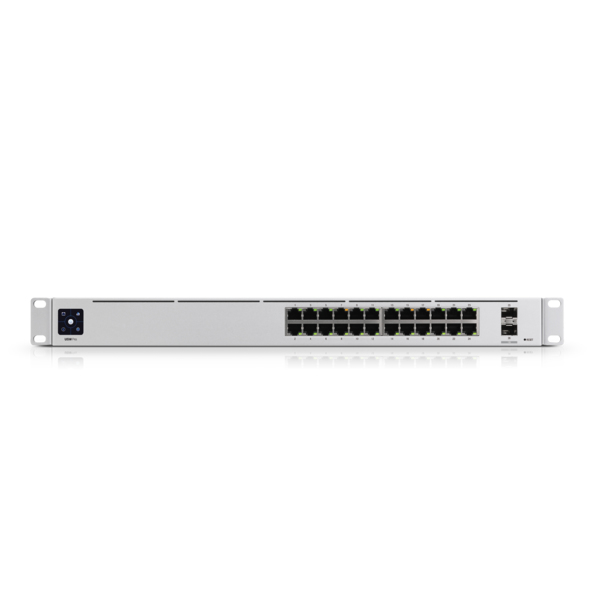
Example: The USW-Pro-24 is a non-PoE switch designed for professional environments where devices already have their own power sources.

Feature

PoE Switch

Non-PoE Switch

Power Delivery

Use Cases

Cost

Convenience

Management

Future-Proofing

Power + data via Ethernet

APs, cameras, VoIP phones

Higher

One cable setup

Remote power control in UniFi Controller

Supports device expansion easily 

Data only

PCs, servers, printers

Lower

Requires separate adapters

Data control only

May require injectors later

Real-World Scenarios

Small & Medium Businesses (SMBs):

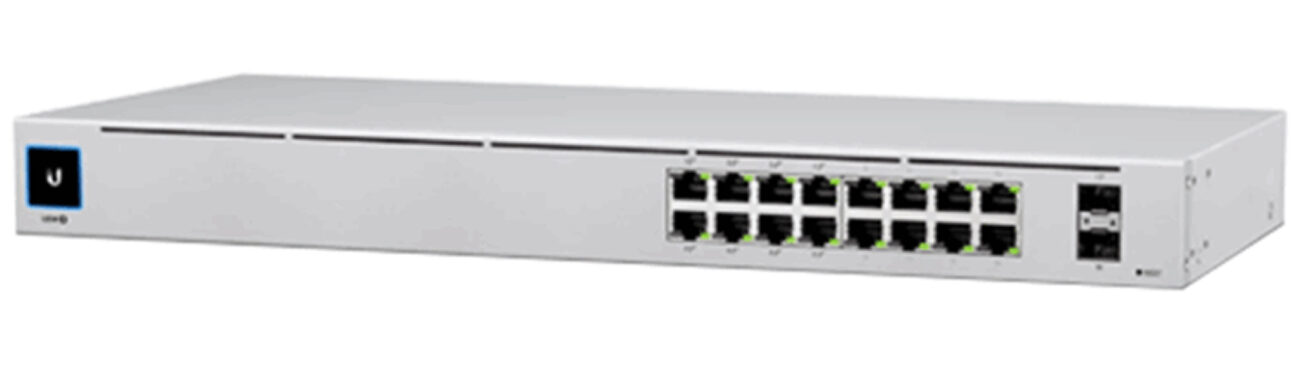
If your office has UniFi access points and Protect cameras, a PoE switch like the USW-24-PoE or USW-Pro-16-PoE makes installation much easier.

Retail Stores:

A PoE switch simplifies powering IP cameras for surveillance and WiFi APs for customer networks.

Smart Homes:

PoE works great if you’re building a home automation setup with APs and smart devices. However, if your home network is mostly laptops, smart TVs, and desktops, a Non-PoE switch is sufficient.

Enterprises & IT Professionals:

Larger networks often mix PoE and non-PoE switches. For example, aggregation switches like the USW-Aggregation don’t need PoE, but access layer switches do.

Cost Comparison: PoE vs Non-PoE

  • PoE Switch Example: USW-24-PoE – higher upfront cost, but eliminates the need for separate injectors and adapters. 
  • Non-PoE Switch Example: USW-Pro-24 – cheaper upfront, but if you later add APs or cameras, you’ll need PoE injectors. 

In the long run, if you expect your network to grow with PoE devices, it’s often more cost-effective to buy a PoE switch upfront. 

Common Misconceptions

  • “PoE switches waste energy.” 


Actually, they save energy by centralizing power management. 

  • “You can’t mix PoE and non-PoE switches.”


You absolutely can. Many enterprises do it strategically.

  • “Non-PoE switches are outdated.”


Not true — they’re still widely used in server rooms and data-heavy environments.

Ubiquiti PoE and Non-PoE Switch Models

See our Best 16-Port Ubiquiti Switches (2025 Buying Guide) and Top 24-Port Ubiquiti Switches: Which One Should You Buy? for detailed buying recommendations. 

How to Decide: PoE vs Non-PoE

Ask yourself:

  1. Do I use UniFi APs, Protect cameras, or VoIP phones? → Choose PoE
  2. Is my network mostly PCs, servers, and printers? → Choose Non-PoE. 
  3. Will I expand with smart devices in the future? → PoE is the safer choice. 

FAQs:

Can I use PoE and non-PoE switches together? 

Yes, many networks mix both depending on device requirements.

No, they’re just as easy to manage via the UniFi Controller. 

It works for one or two devices, but a PoE switch is better for multiple APs or cameras.

No, PoE doesn’t slow down data transfer.

Conclusion:

The decision between a PoE vs non-PoE Ubiquiti switch depends on your devices and growth plans. If your setup involves APs, cameras, or VoIP phones, PoE is the smarter investment. For data-only networks, non-PoE keeps costs down.

For next steps, explore:

  • Layer 3.
  • CDP, EIGRP, OSPF, RIP, VRRP Routing protocols.
  • 120 W Power Consumption.
  • 56 Gbit/s Switching capacity.
  • Layer 3
  • 30 W Power Consuption
  • 24 Ports
  • Gigabit Ethernet (10/100/1000)
Featured Products:

Mike Jones

IT Hardware & Networking Specialist. Mike has spent years working with networking and computer hardware — from enterprise switches and access points to printers and storage solutions. At T.I Digital Solutions, he shares practical insights and honest opinions to help businesses and everyday users choose the right tech for their setup.

5yrs of Experience in Industry

Recent Blogs

Leave a Reply

Your email address will not be published. Required fields are marked *