

Access Points
Stay connected across every corner of your home or business with high-performance access points. Whether you’re covering a large workspace or strengthening signals in a busy household, the right access point ensures your WiFi is stable, reliable, and fast, wherever it’s needed.

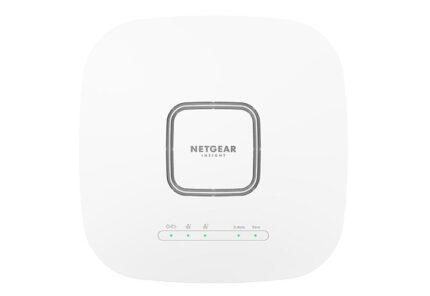

Available on Backorder

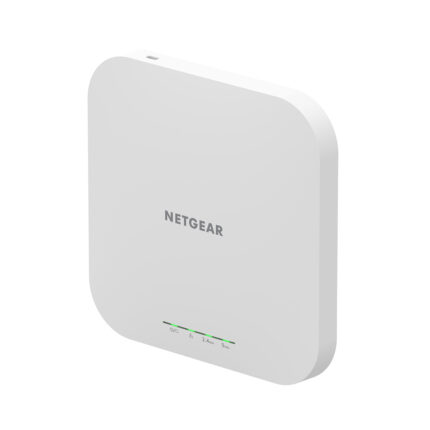
Incl. VAT: £171.00
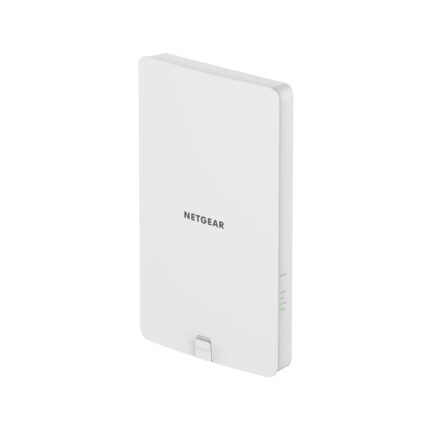
Incl. VAT: £172.86
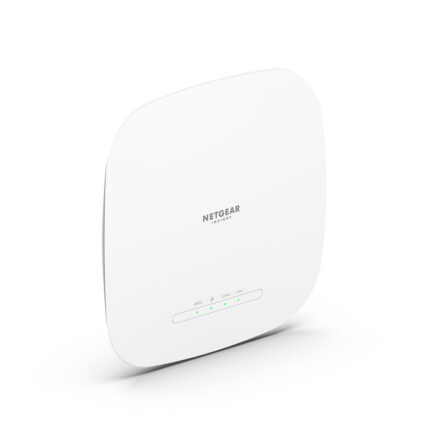
Available on Backorder
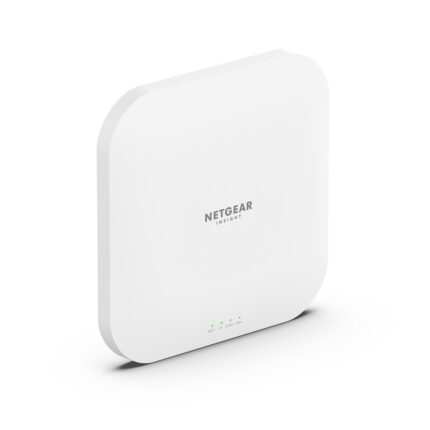
Available on Backorder
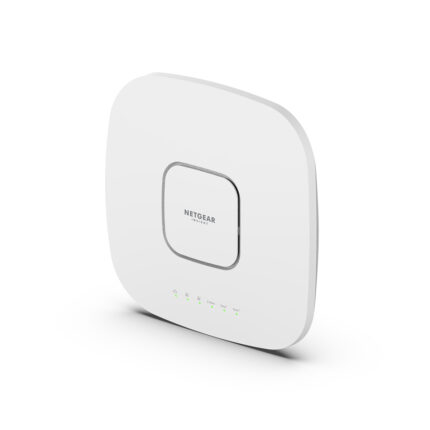
Available on Backorder

Available on Backorder
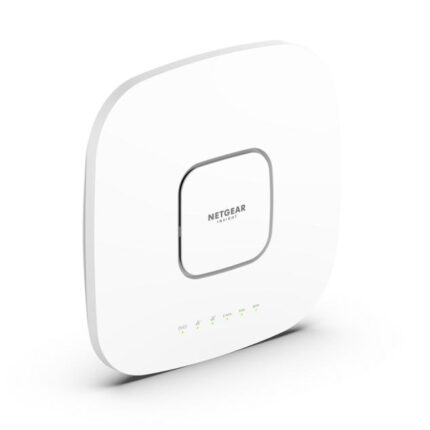
Available on Backorder
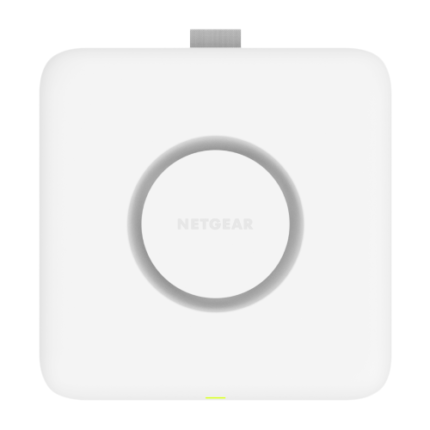
Incl. VAT: £680.63
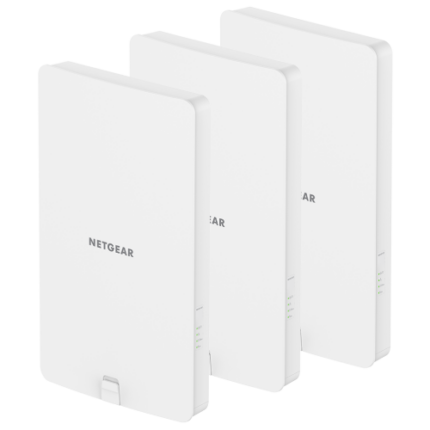
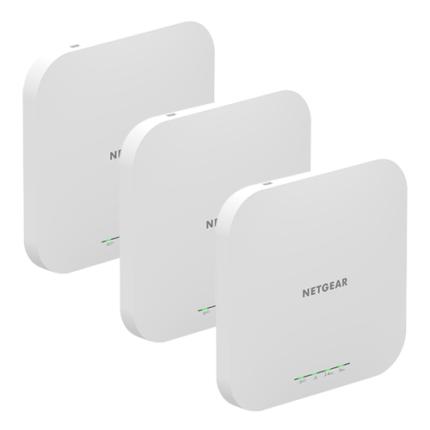
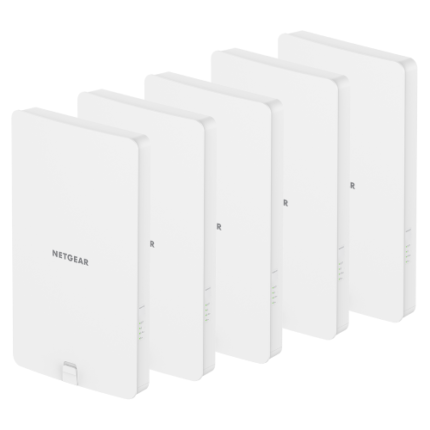
What Is a Wireless Access Point?
An access point works as a bridge between your existing wired router and wireless devices. Instead of relying solely on the router's limited range, access points create additional WiFi zones, improving coverage in areas where signals drop or slow down.
For homes with thick walls or offices spread across multiple floors, access points reduce dead zones and deliver better speeds where you need them most.
Home and Business Use
-
For homes: An access point helps extend coverage into upstairs rooms, garages, or garden offices. Models like WiFi 6 access points for home offer faster speeds and better support for multiple connected devices — ideal for streaming, smart home devices, and gaming.
-
For small businesses: Reliable internet is essential. Access points ensure your team stays connected without interruptions. If you're setting up a cafe, clinic, or retail shop, the right model can support high user density while keeping your network secure.
Choosing the Right Access Point
When picking an access point, here are a few things to consider:
-
Placement: Indoors or outdoors? Outdoor access points are built for weather resistance, while indoor access points focus on aesthetics and integration.
-
Wired or wireless: Wired access points offer stable performance, but mesh systems or wireless access points are easier to set up in large or complex layouts.
-
Latest standards: Consider newer technologies like WiFi 6 or WiFi 7 access points if you're upgrading or future-proofing.
Looking to Extend Your Coverage Further?
If you're looking to go beyond just extending WiFi, a WiFi range extender can be a helpful alternative, especially for simpler needs. But for more stable and long-term coverage, a properly placed access point will always deliver better results.
FAQs – Access Points
Yes, a router is still required. Access points extend your router’s network but don’t replace it.
Range extenders rebroadcast signals, which can lead to reduced speeds. Access points offer a more stable and efficient solution by directly connecting to your network.
Yes, outdoor-rated models are designed for weather resistance and wider signal reach.
They serve different needs. Access points are ideal for wired networks or large spaces, while mesh WiFi systems are easier to install and more suited for homes with no existing wiring.
This depends on your building’s size and layout. A single access point may be enough for a small area, while larger properties may need two or more for complete coverage.