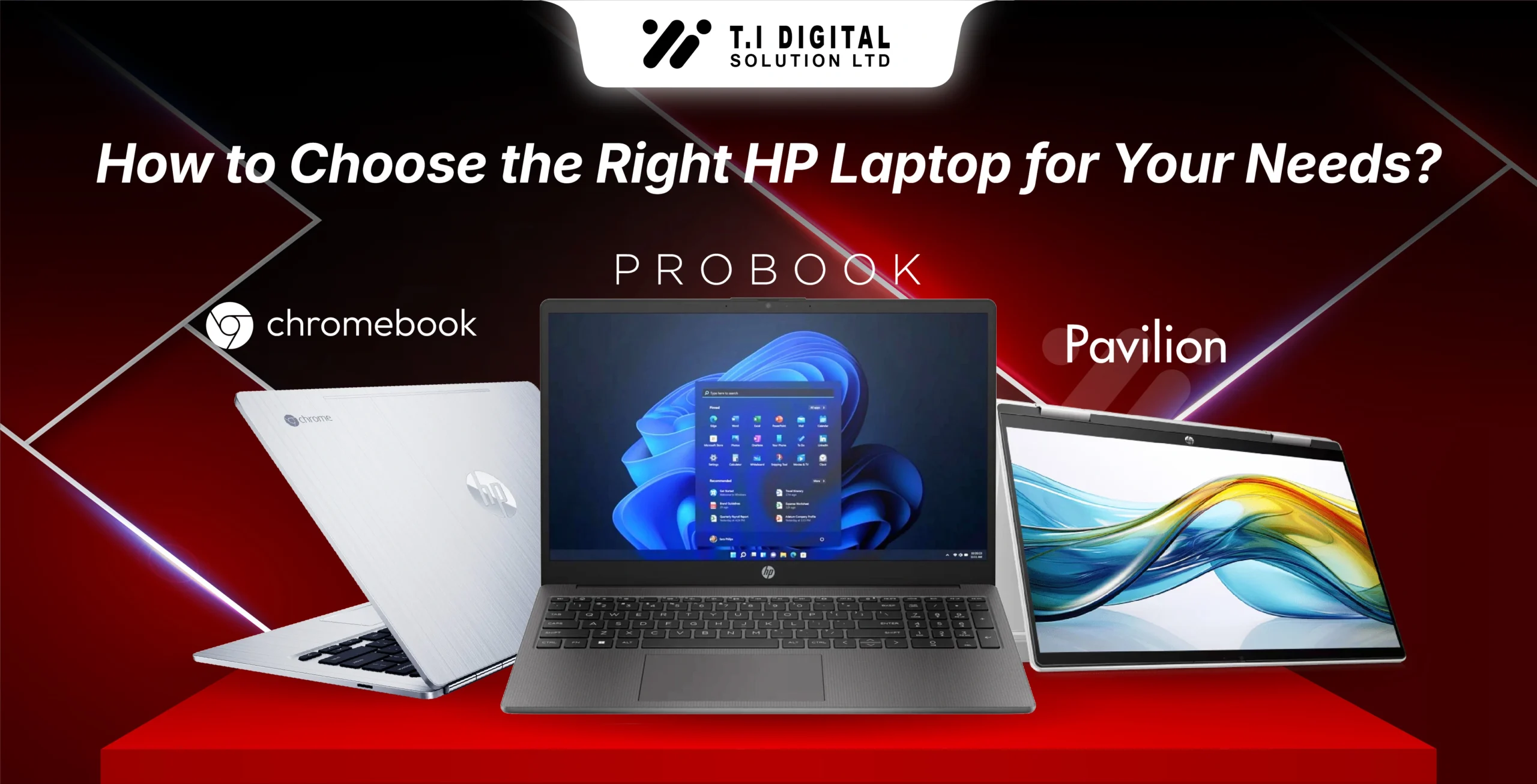
HP laptops are designed to serve different types of users, from students and home users to business professionals and power users. Choosing the right HP laptop depends on how you plan to use it, the level of performance you need, and the features that matter most for your daily workflow.
Whether you are buying a laptop for study, remote work, office productivity, or demanding professional tasks, HP offers multiple series that balance performance, portability, and reliability. This guide helps you understand HP’s laptop lineup so you can confidently select the model that fits your needs.
If you want to explore available options, you can browse our full HP Laptops range to compare models and specifications.
Understanding HP Laptop Series and User Intent
HP structures its laptop lineup around specific use cases. Each series is built with a different type of user in mind, which makes choosing easier once you understand the purpose behind each range.
Below is a clear breakdown of HP laptop series based on real-world usage.
HP Pavilion – For Students and Home Users
Why choose HP Pavilion laptops:
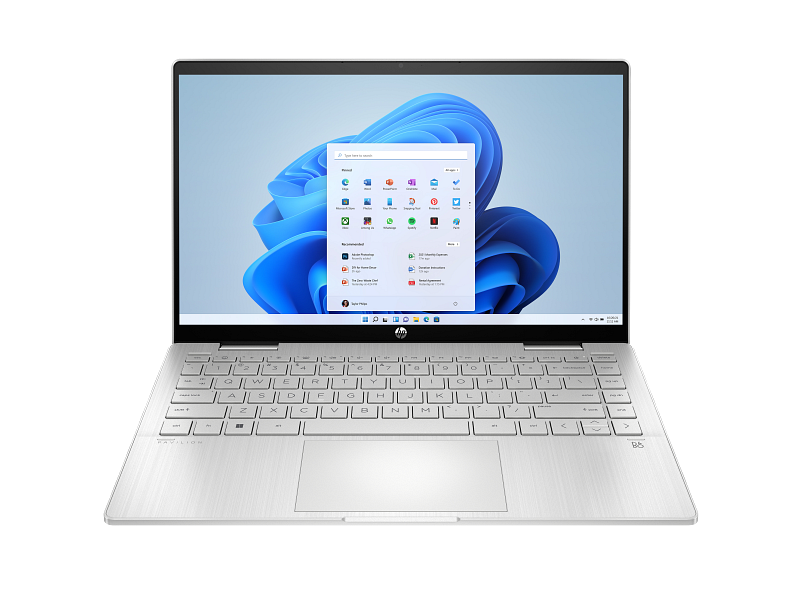
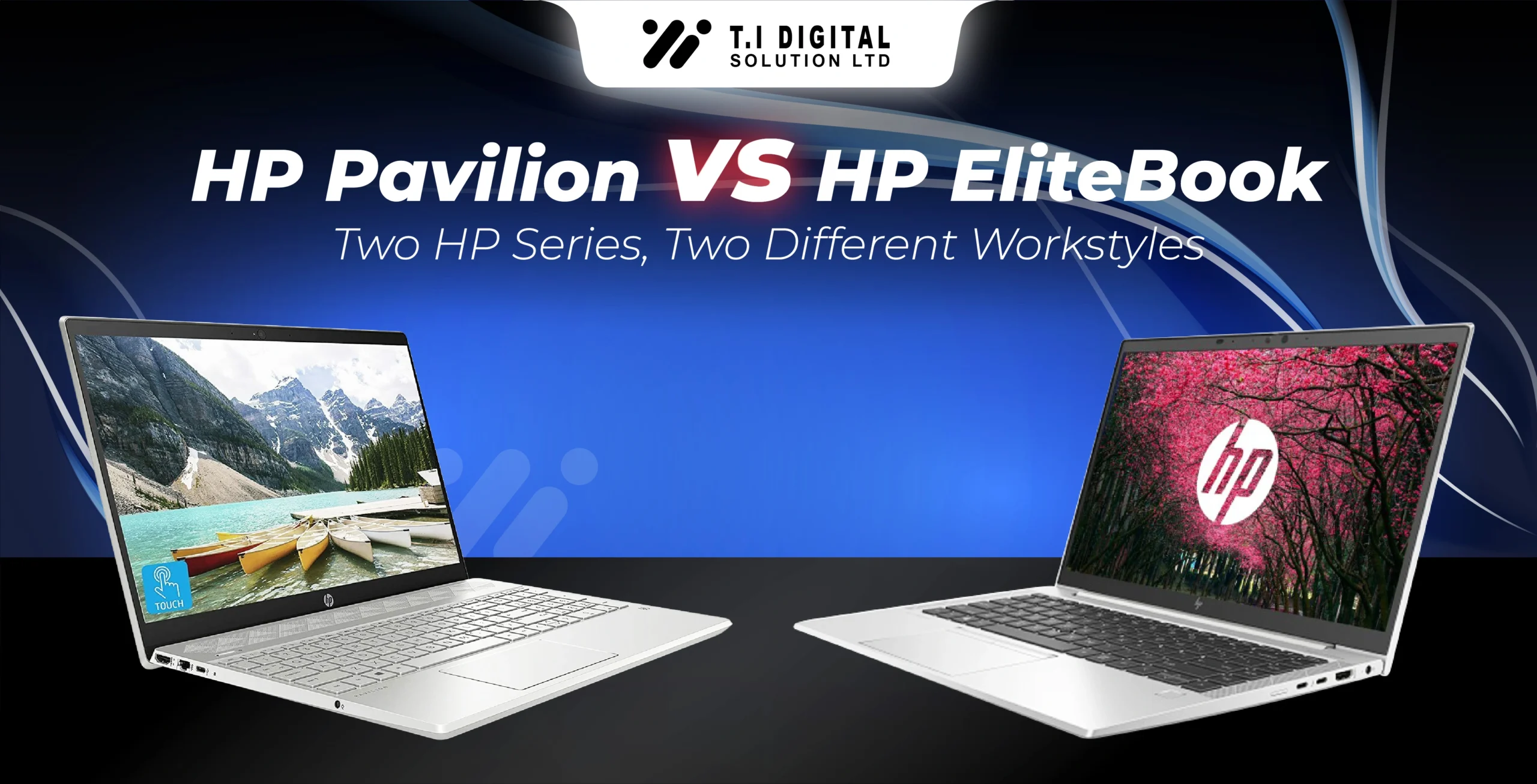
HP Pavilion laptops work well for coursework, video calls, presentations, and entertainment. If your work revolves around general productivity rather than heavy professional software, Pavilion models offer excellent value.
Explore available HP Pavilion laptops to find the right configuration for your needs.
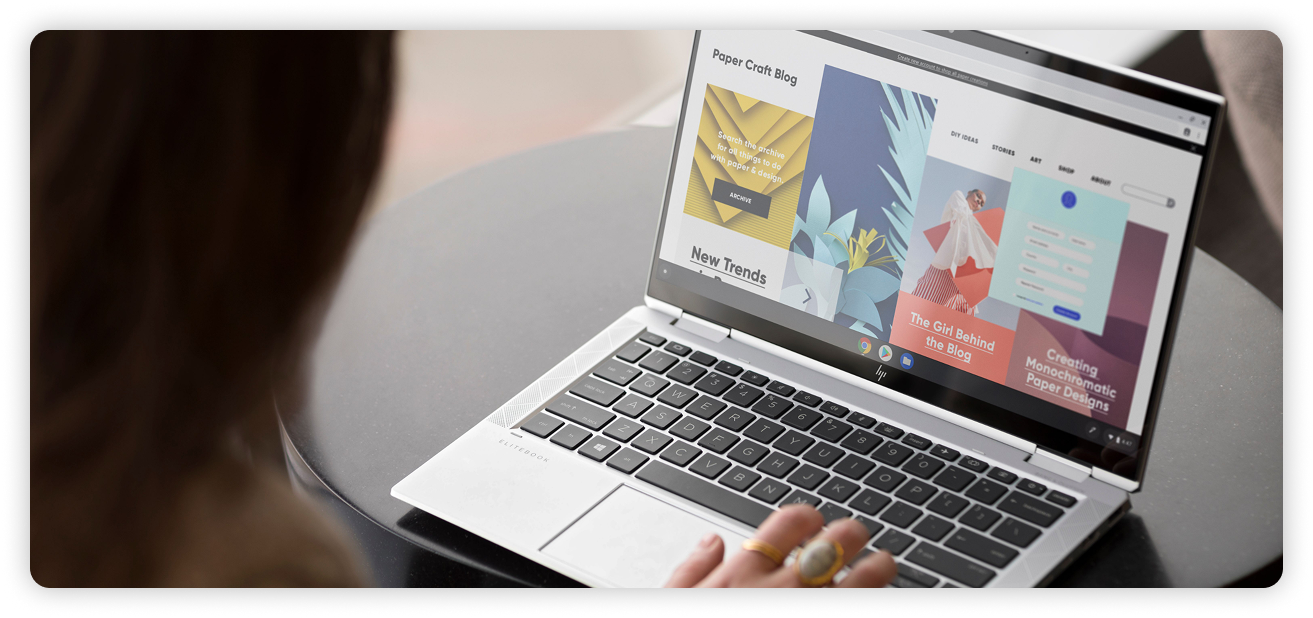
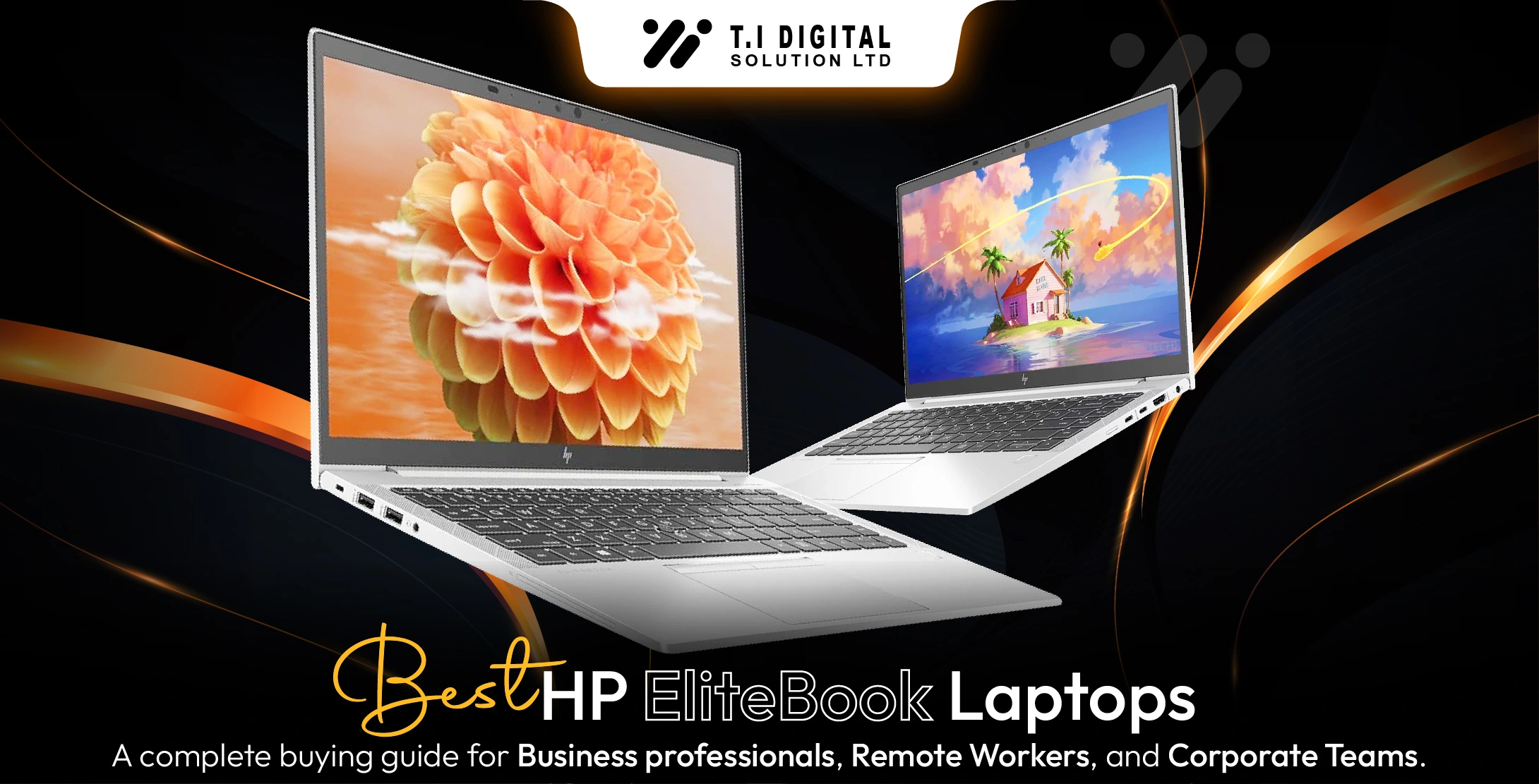
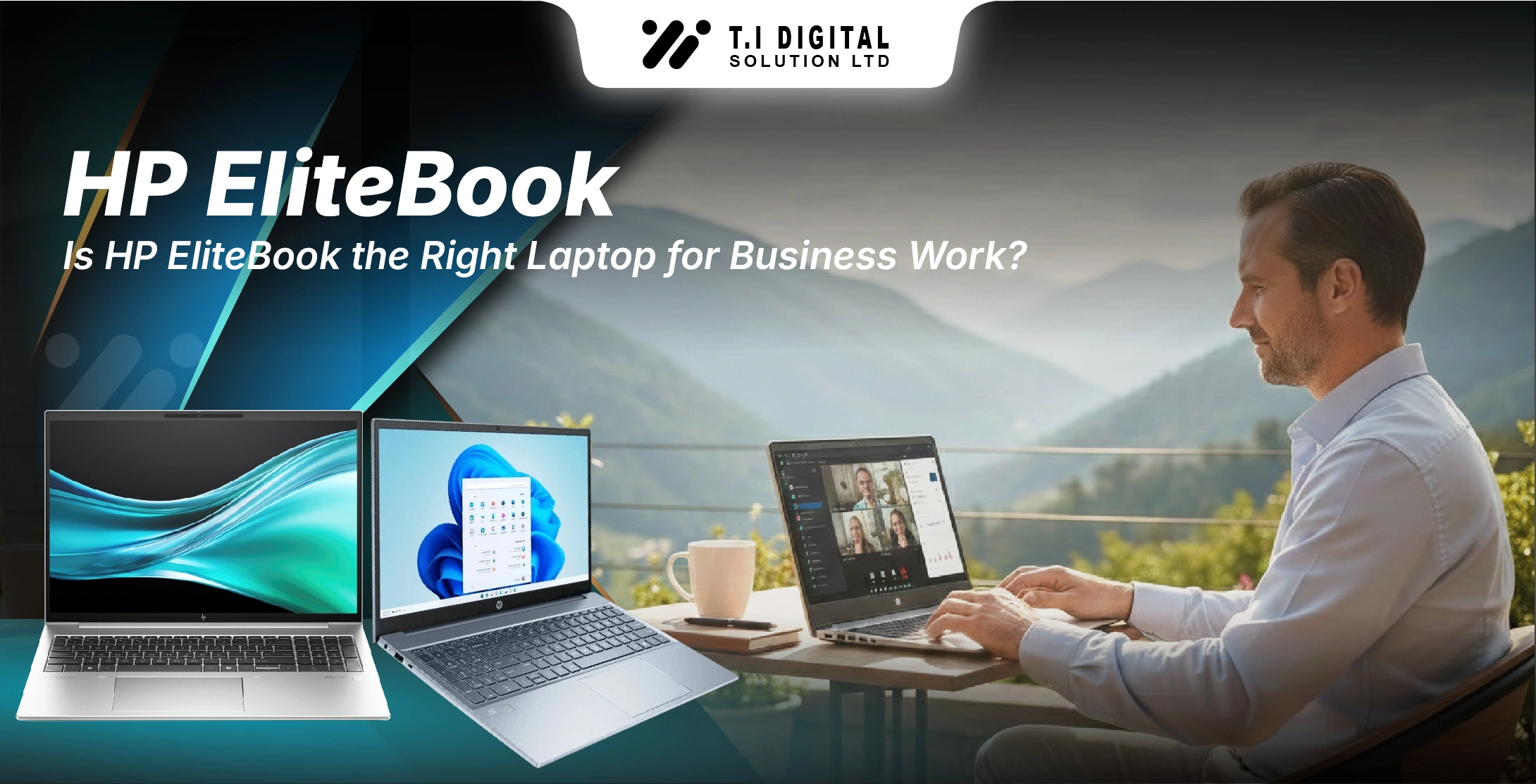
HP EliteBook – For Business Professionals and Remote Work
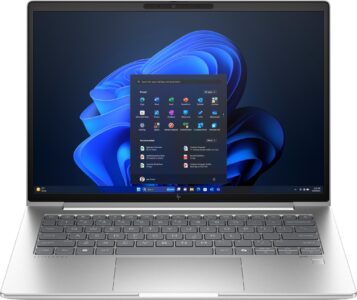
EliteBook laptops are business-oriented models that focus on reliability, security, and consistent everyday performance. They are suitable for environments where long work hours, stable multitasking, and secure workflows matter.
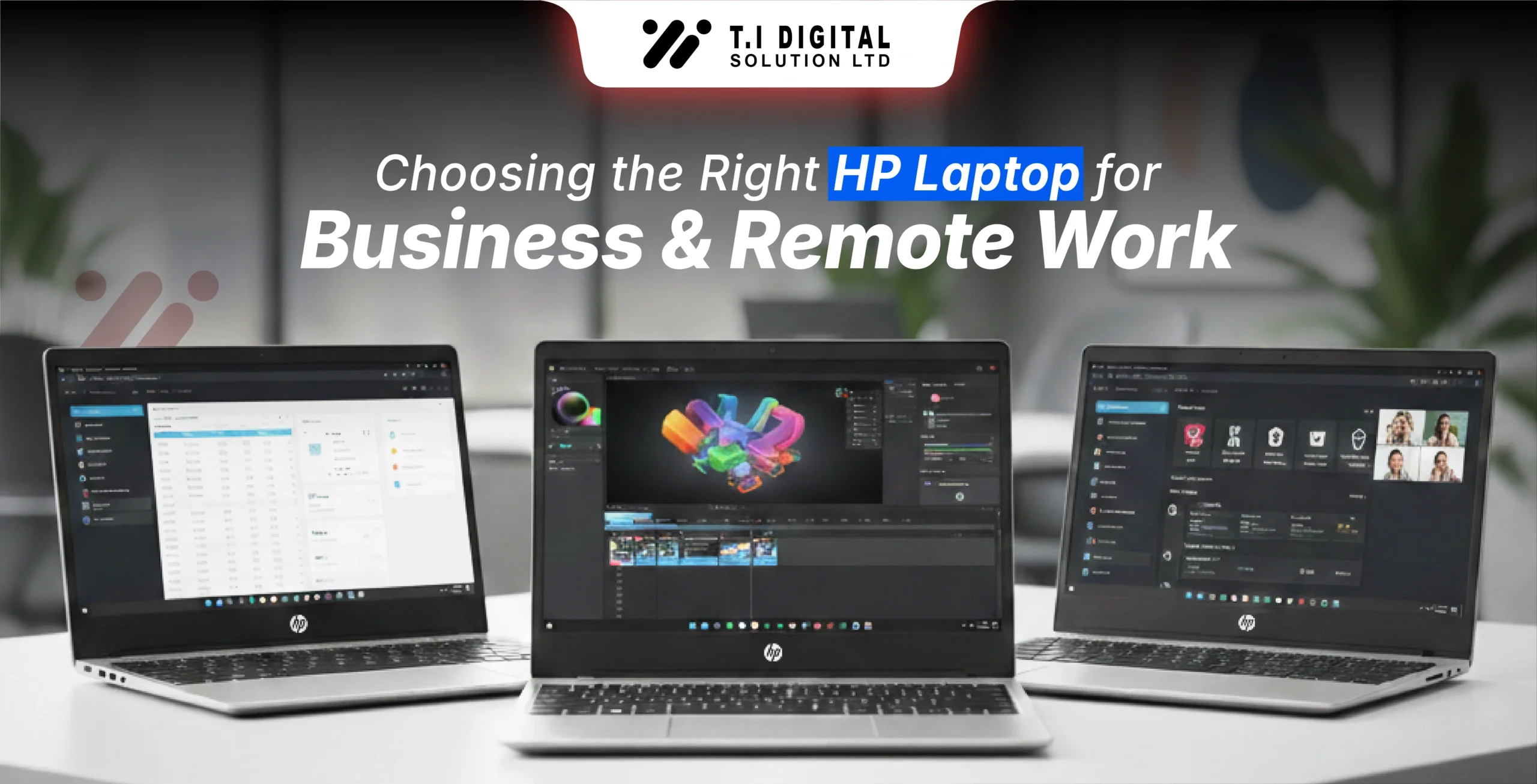
For detailed business-focused insights and professional guidance, see our dedicated blog on choosing HP laptops for business and remote work.
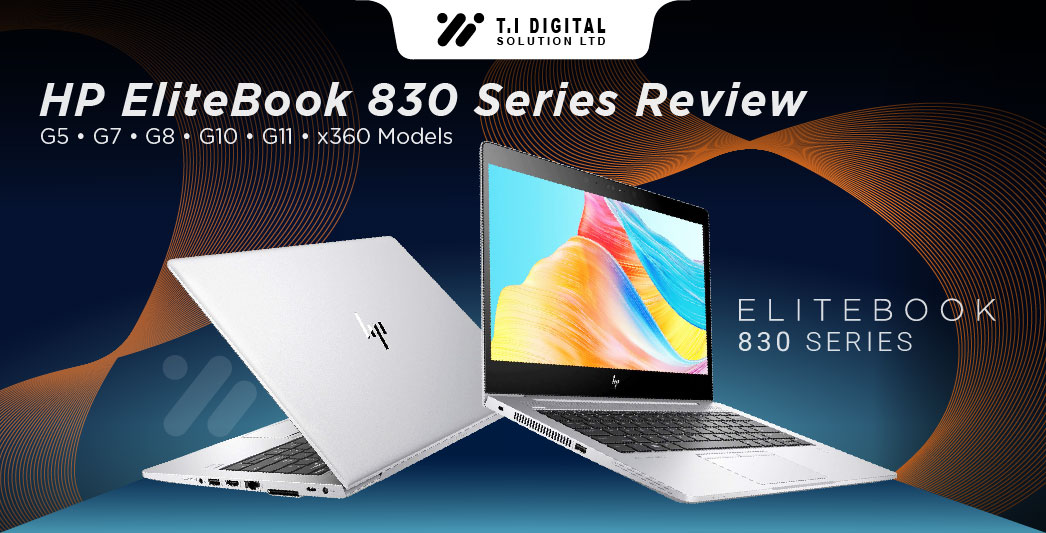
EliteBook models such as the 800 series are known for balancing performance and portability, making them suitable for users who frequently move between workspaces.
Browse our HP EliteBook laptops for business-focused models.
You can also read our detailed comparison: HP EliteBook vs HP ProBook – Which Is Better for Business?
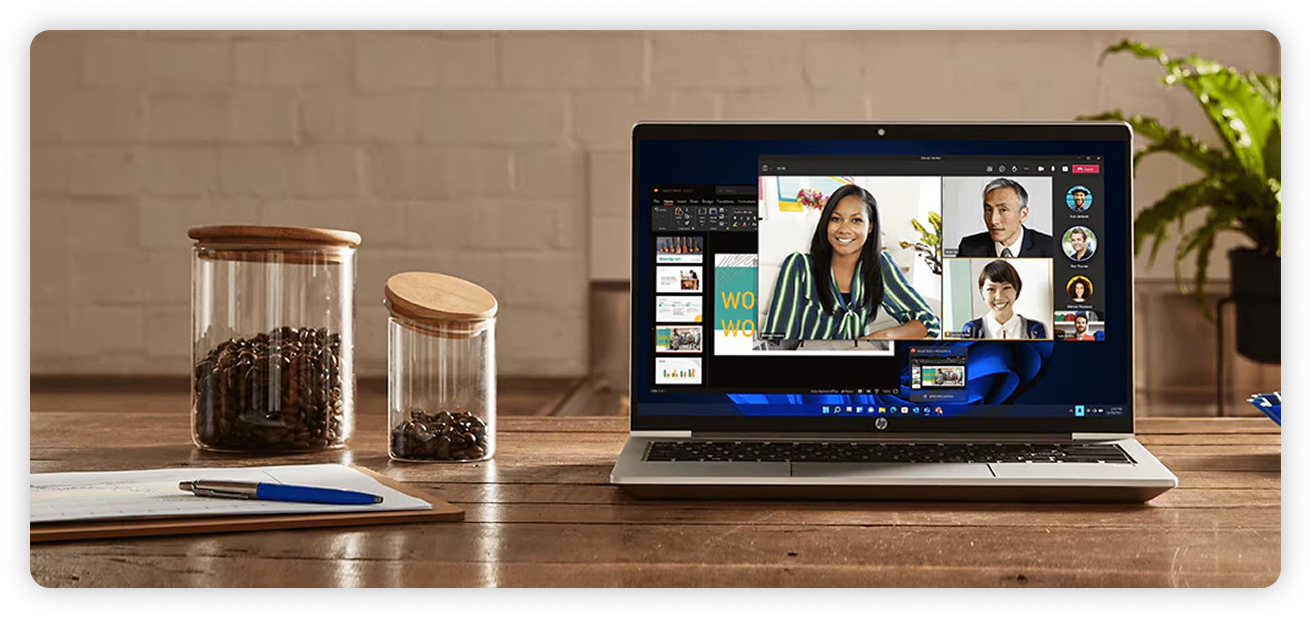
HP ProBook – Reliable Performance for Small and Medium Businesses
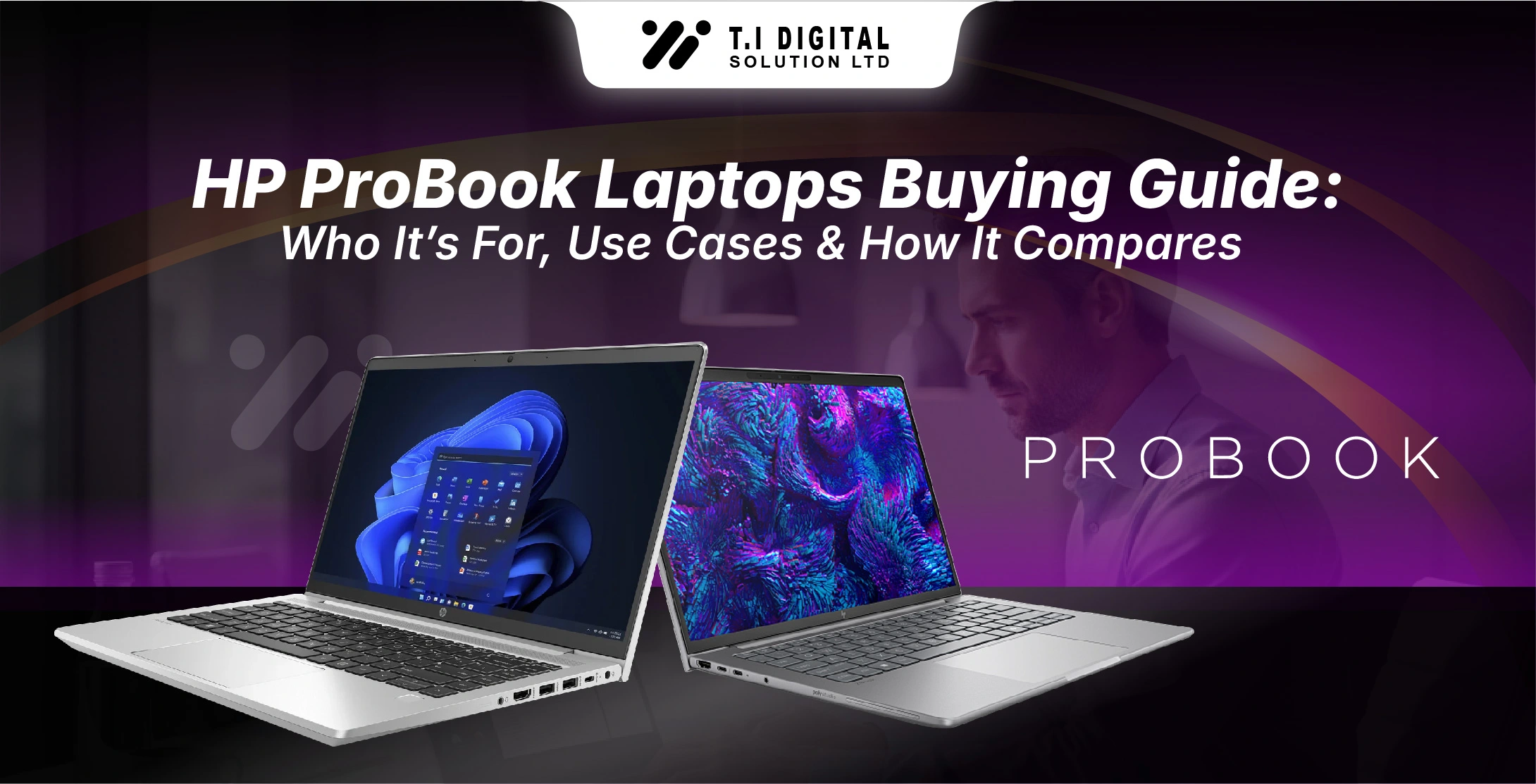
ProBook laptops are positioned between consumer and professional devices. They offer dependable performance for everyday office tasks, moderate multitasking, and general business use. These models are commonly chosen by small and medium-sized teams that need productivity without enterprise-level security features.
If you want a comparison between ProBook and EliteBook for professional use, check our HP ProBook vs HP EliteBook blog.
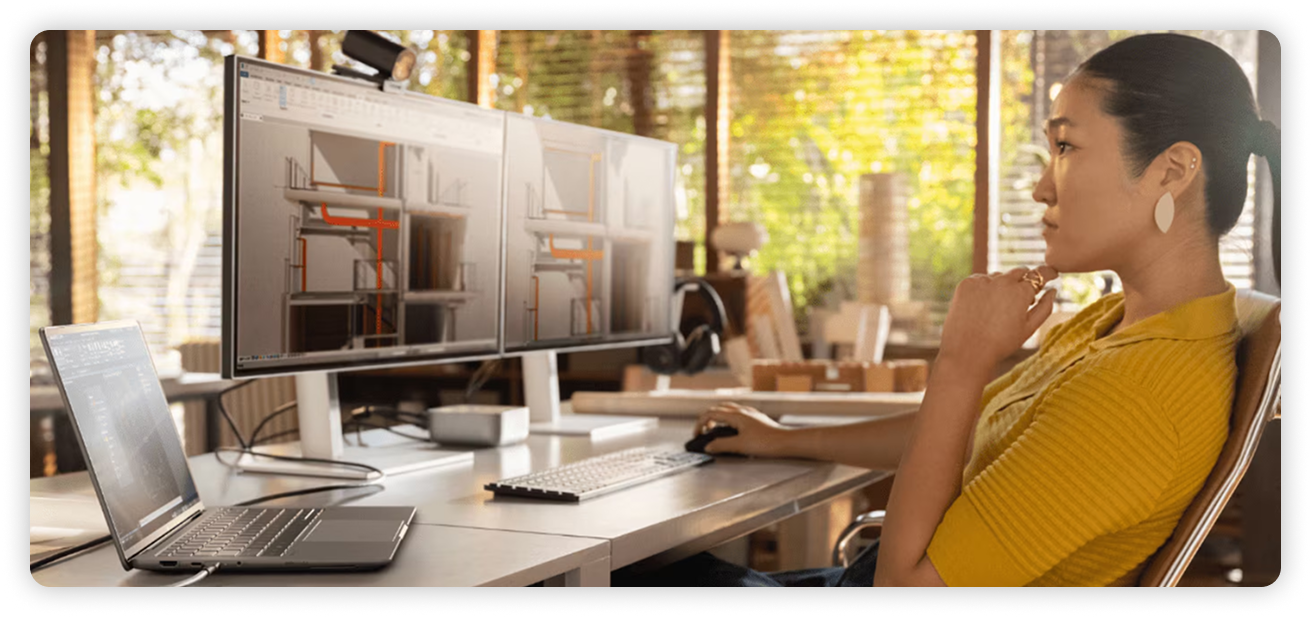
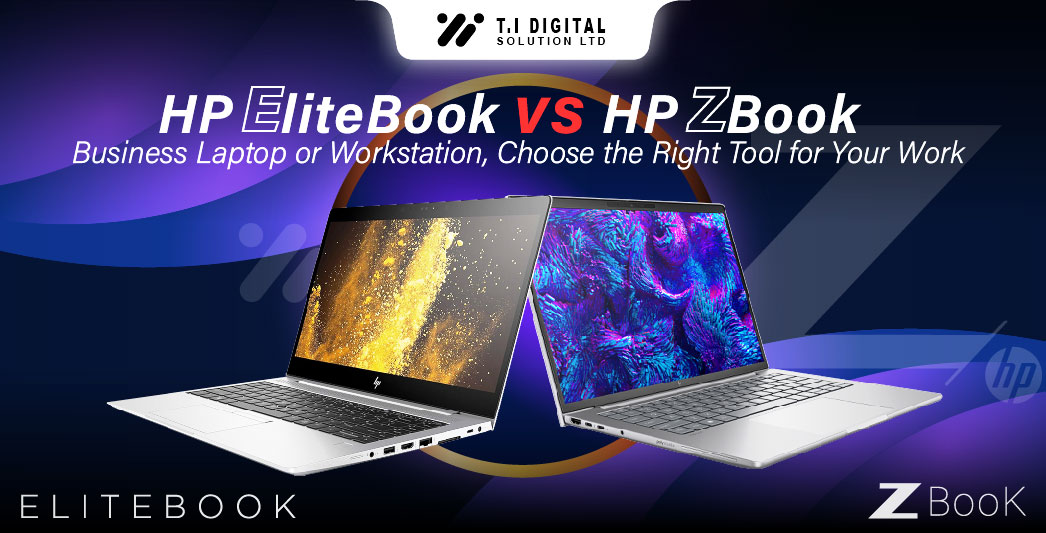
HP ZBook – High-Performance Workstations for Professionals
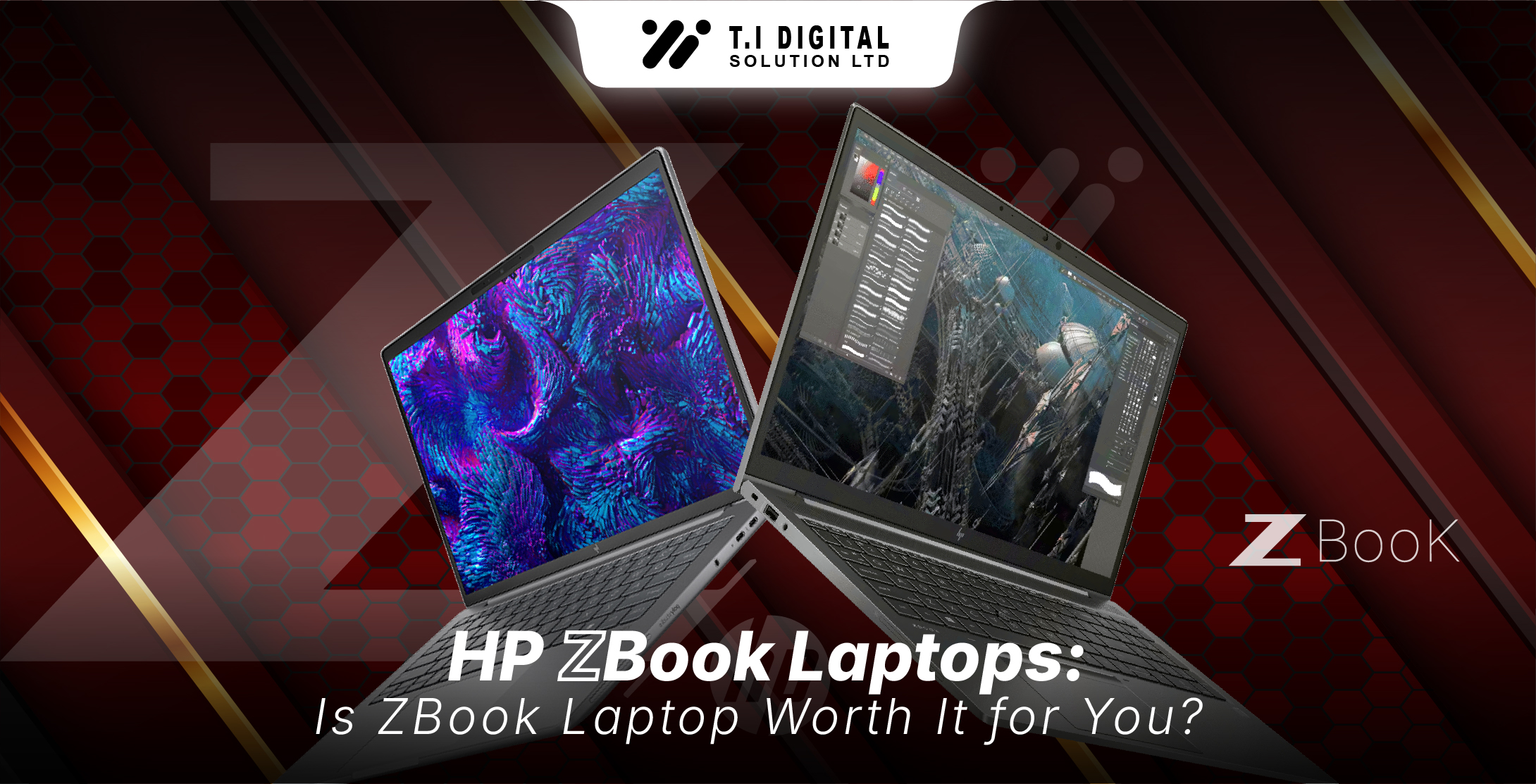
ZBook models are mobile workstations designed for users with demanding workloads such as engineering, design, and data-intensive applications. They combine powerful processors, advanced graphics, and workstation-grade performance for specialized tasks.
If your work requires power beyond standard business laptops, ZBook models are designed to deliver consistent performance under pressure.
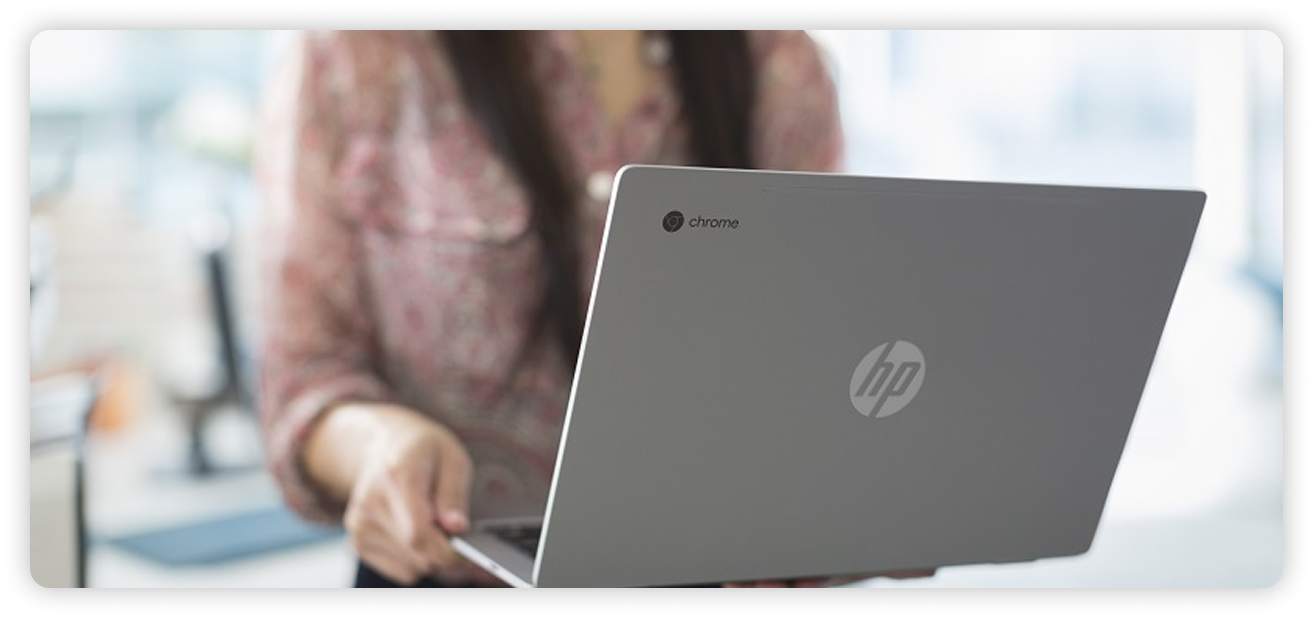
HP Chromebook – Simple, Cloud-Based Computing
HP Chromebooks focus on simplicity and cloud-based workflows. They are lightweight devices designed for users who rely mainly on web applications.
Best suited for:
Key features:
Chromebooks are a good option when you don’t need traditional desktop software and prefer cloud-based solutions.
Choosing the Right HP Laptop Based on Your Needs
If you’re unsure which HP laptop series fits you best, this quick comparison can help:
Storage, Performance, and Everyday Experience
Most modern HP laptops come equipped with SSD storage, which improves startup speed and overall system responsiveness. Combined with efficient processors and optimized designs, HP laptops deliver smooth performance for everyday use.
Key benefits across most HP models include:
Explore HP Laptops That Fit Your Needs
Choosing the right HP laptop becomes easier when you understand how each series is designed to support different users. Whether you need a laptop for study, home use, professional work, or demanding workloads, HP offers reliable options across its lineup.
You can explore our complete range of HP Laptops to compare specifications and find the model that matches your requirements.