
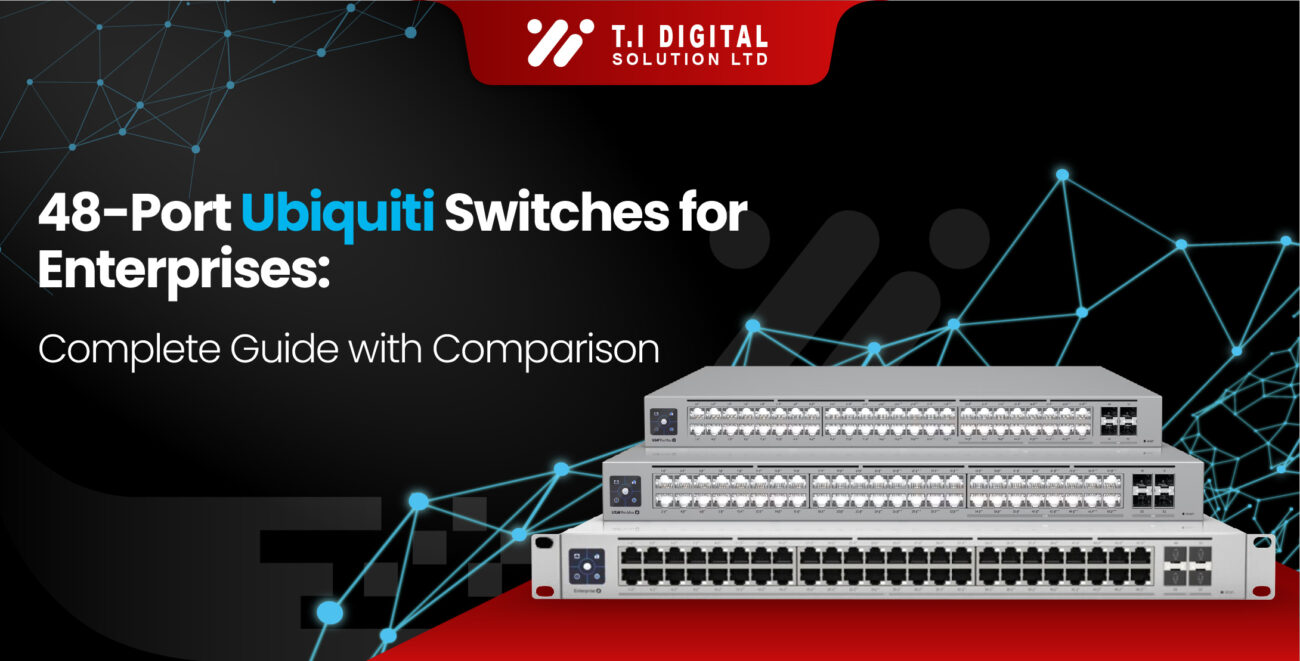

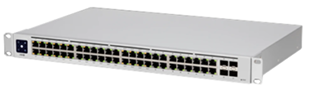
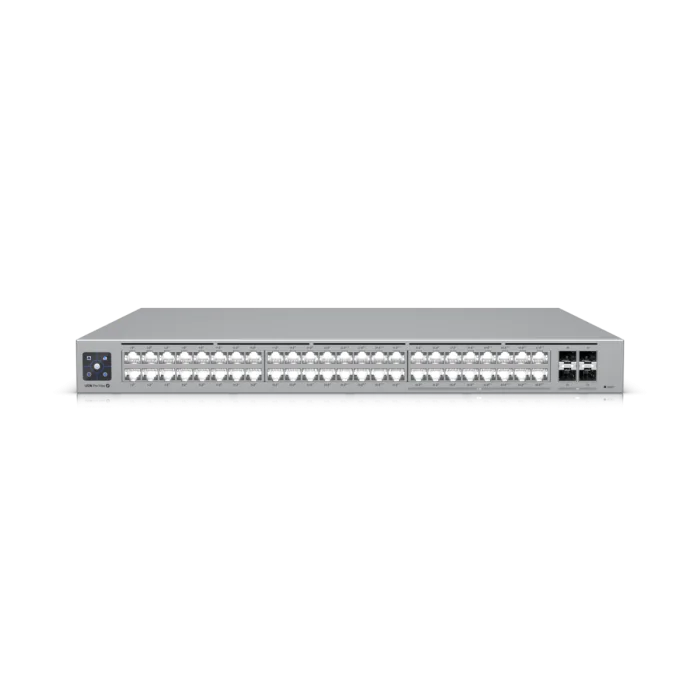
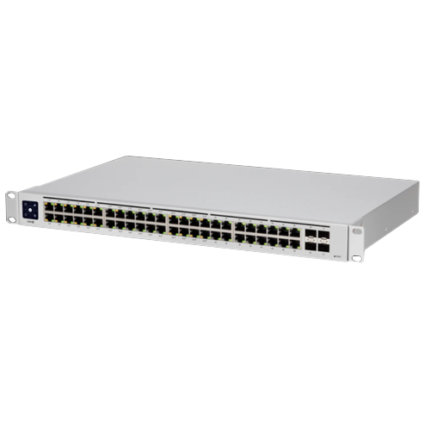

48-Port Ubiquiti Switches for Enterprises: Complete Guide with Comparison
When it comes to enterprise networking, few components are as critical as the network switch. For large businesses, schools, data centers, and organizations with hundreds of connected devices, a 48-port managed switch isn’t just a piece of hardware—it’s the backbone of their entire IT infrastructure.
In 2025, Ubiquiti has strengthened its reputation as a go-to brand for enterprises that want scalability, reliability, and UniFi ecosystem integration without the premium costs often associated with legacy enterprise vendors like Cisco or Aruba. And when you’re considering a 48-Port Ubiquiti Switch, you’re looking at the brand’s most enterprise-grade solutions, purpose-built for high-density networking, PoE+ device support, and Layer 2/3 management.
But with multiple models available, which one is right for your business? That’s what this guide will help you answer.
Feature
USW-Enterprise-48-PoE
USW-Pro-Max-48-PoE
USW-PRO-48-POE
Switch Type
Ports
PoE Support
Switching Capacity
Forwarding Rate
Layer Support
Cooling
Best For
Management
Highlight
Enterprise Layer 3 Managed
48 × GbE RJ45 + 4 × 25G SFP28
Yes, PoE+ (802.3at), 720W Budget
880 Gbps
656 Mpps
Layer 3
Quiet cooling fans
Large enterprises, high-performance networks
UniFi Network Controller
High-capacity enterprise-grade switch
Professional Max Series Managed
48 × GbE RJ45 + 4 × 25G SFP28
Yes, PoE+ (802.3at/af), ~720W Budget
880 Gbps
656 Mpps
Layer 3
Quiet cooling fans
Advanced enterprise IT infrastructure
UniFi Network Controller
Next-gen enterprise PoE powerhouse
Professional Layer 3 Managed
48 × GbE RJ45 + 4 × 10G SFP+
Yes, PoE+ (802.3at/af), 600W Budget
176 Gbps
130.95 Mpps
Layer 3
Active cooling
Mid-to-large businesses needing power
UniFi Network Controller
Balanced power & scalability
If you’re new to UniFi networking, we recommend first reading our Ubiquiti Network Switches: Complete Guide for Businesses and IT Professionals, where we explained the basics of UniFi switches and their role in enterprise IT infrastructure
Why Choose a 48-Port Ubiquiti Switch?
1. Enterprise-Grade Performance Without Enterprise Pricing:
Unlike Cisco or Aruba, Ubiquiti balances performance and affordability, making it a smart choice for growing organizations.
2. Scalable IT Infrastructure:
A 48-port switch allows you to consolidate multiple smaller switches into a single high-capacity backbone.
3. PoE+ Support for Devices:
Power access points, cameras, and VoIP phones directly—reducing cable clutter and eliminating the need for separate power adapters.
4. UniFi Ecosystem Integration:
Manage your switches, access points, and security gateways from one platform.
5. Flexible Deployment:
Options range from budget-friendly (USW-48-POE) to high-availability enterprise-grade (USW-Pro-Max-48-PoE).
Smaller offices may not need 48 ports — in that case, a Best 16-Port Ubiquiti Switch (2025 Buying Guide) might be the smarter option before scaling up to enterprise-grade models.”
- Layer 3 Capable.
- 720W Power Consumption.
- IEEE 802.3af, IEEE 802.3at Networking Standards.
- layer 3 Capable.
- 720W Power Consumption.
- DHCP guarding, DHCP relay, DHCP server, DHCPv6 snooping.
- Gigabit Ethernet (10/100/1000)
- Layer 2 & Layer 3 Capable.
- 600 W Power Consumption.
- IEEE 802.3af, IEEE 802.3at Networking Standards.
- Gigabit Ethernet (10/100/1000).
- Layer 2 Capable.
- 195W Power Consumption.
- CDP, EIGRP, OSPF, RIP, VRRP Routing Protocols.
- Ethernet (10/100/1000).
Ubiquiti vs Other Brands
Ubiquiti vs Cisco:
- Cisco: Extremely robust but expensive; often requires certified engineers
- Ubiquiti: Affordable, simpler management, excellent UniFi ecosystem.
Ubiquiti vs Aruba (HPE):
- Aruba: Great enterprise features but at a premium price point.
- Ubiquiti: Delivers enterprise essentials without licensing costs.
Ubiquiti vs TP-Link:
- TP-Link: Budget-friendly but lacks enterprise-level features.
- Ubiquiti: Balances cost and performance while offering scalability.
Best Use Cases for 48-Port Ubiquiti Switches
- Corporate HQs with hundreds of employees and IoT devices.
- Hospitals with IP surveillance and wireless APs across floors.
- Universities and Schools requiring reliable connectivity for labs and classrooms.
- Retail Chain with multiple POS terminals, security cameras, and APs.
- Data Centers where high density and uptime are non-negotiable.
FAQs:
Do I need a 48-port switch for my business?
If you have more than 200 devices (PCs, APs, phones, cameras), a 48-port switch provides the scalability you need.
What’s the difference between Ubiquiti’s PoE and non-PoE 48-port switches?
PoE models power devices directly (APs, cameras, VoIP phones), while non-PoE models are cheaper but require external adapters. No, they’re just as easy to manage via the UniFi Controller.
Are Ubiquiti 48-port switches Layer 3?
Yes, higher-end models (Enterprise and Pro-Max) include advanced Layer 3 features like inter-VLAN routing and static routing.
Can I stack multiple Ubiquiti switches?
Yes, you can deploy multiple UniFi switches in a network and manage them centrally through the UniFi Controller.
How does Ubiquiti compare to Cisco for enterprise use?
Ubiquiti is easier to manage and much more affordable, while Cisco is more complex but suited for very large enterprise networks with in-house IT teams.
Conclusion:
Choosing the right 48-Port Ubiquiti Switch comes down to your business size, performance needs, and budget. If you’re running a medium enterprise, the USW-48-POE or USW-Pro-48-POE might fit perfectly. For larger businesses or mission-critical environments, the USW-Enterprise-48-PoE or USW-Pro-Max-48-PoE ensure high availability and enterprise-grade performance.
By integrating with the UniFi ecosystem, these switches give IT teams centralized control, streamlined management, and future-ready scalability. That’s why in 2025, Ubiquiti continues to be one of the top choices for enterprises upgrading to 48-port managed PoE switches.
Since most enterprises run APs and IP cameras, choosing a PoE model makes sense. Still confused? Check our PoE vs Non-PoE Ubiquiti Switches: Which One Do You Need? to understand the difference.
Find Related Products
- Layer 3.
- (32) 10GbE PoE++, (16) 2.5GbE PoE++ ports.
- 1080W Power Consumption.
- 100—240V AC.
- Layer 2
- 195W Power Consuption.
- 48 Ports.
- CDP, EIGRP, OSPF, RIP, VRRP Routing Protocol.

IT Hardware & Networking Specialist. Mike has spent years working with networking and computer hardware — from enterprise switches and access points to printers and storage solutions. At T.I Digital Solutions, he shares practical insights and honest opinions to help businesses and everyday users choose the right tech for their setup.

5yrs of Experience in Industry
Recent Blogs