Why ZBook Exists in HP’s Lineup
Most people start their professional journey with a normal business laptop. Email, browser tabs, spreadsheets, video calls — everything works fine. But at some point, certain users outgrow that level of performance.
This happens when work shifts from productivity to creation, computation, or simulation.
That’s where the idea of a workstation laptop comes in.
A workstation is not just a “faster laptop.” In simple terms, it’s a machine designed to stay stable under pressure — running heavy software for hours without slowing down, overheating, or crashing.
Within HP’s lineup:
ZBook is not an upgrade for everyone. It exists because some workloads demand a completely different class of machine.
Is HP ZBook Worth It in 2026?
Yes — but only for a very specific type of user.
HP ZBook is worth it in 2026 if your daily work involves sustained, heavy professional software and your current laptop slows down, overheats, or becomes unstable.
It is not worth it if your work is mainly office-based, browser-driven, or budget-sensitive.
HP ZBook is a tool, not a lifestyle upgrade. If you don’t need what it’s built for, it will feel expensive and unnecessary. Setting this expectation early matters.
What Makes HP ZBook Different from Regular Laptops?
The biggest difference is mindset, not raw specs.
Regular laptops — even powerful business ones — are built around a productivity mindset. They assume short bursts of performance: open an app, do a task, close it, move on.
This is why professionals trust ZBooks during long renders, simulations, or design sessions. It’s not about being “fast once” — it’s about being reliable all day.
HP ZBook Series Overview (High-Level)
HP offers multiple ZBook types because professional workloads vary.
Some professionals need portable power they can carry between meetings or job sites. Others need desk-focused machines that behave like mobile desktops.
Instead of forcing one solution, HP splits ZBook into tiers that balance:
The important point is this: all ZBooks share the same workstation DNA — the difference is how that power is packaged, not whether it exists.
Performance for Heavy Professional Workloads
HP ZBook laptops are designed for work that normal laptops struggle to sustain.
For designers and creative professionals, ZBooks handle large design files, layered projects, and high-resolution assets without lag during long sessions.
For engineers and technical users, they stay stable while running CAD, simulation, and modeling tools that push both CPU and GPU continuously.
For data-heavy workflows, ZBooks manage large datasets, analysis tools, and multitasking environments without choking under memory pressure.
The real advantage shows up after hours of work — when other laptops slow down, but the ZBook keeps going.
Graphics, Memory & Thermal Stability (Why It Matters)
Professional workloads stress laptops differently than everyday use.
Workstation graphics are optimized for accuracy and stability, not gaming performance. They are built to work reliably with professional software instead of just producing high frame rates.
Memory capacity and stability matter because professional files don’t forgive shortcuts. When RAM runs out, productivity collapses.
Cooling is critical because sustained performance generates sustained heat. ZBooks are engineered to manage this without throttling aggressively, which is why professionals trust them for long sessions.
In short: ZBook focuses on consistent performance, not marketing numbers.
Build Quality & Reliability for Demanding Work
ZBooks are built for real working conditions.
They’re designed for:
The chassis, keyboard, hinges, and internal components are meant to survive years of professional use. This is not about luxury — it’s about dependability.
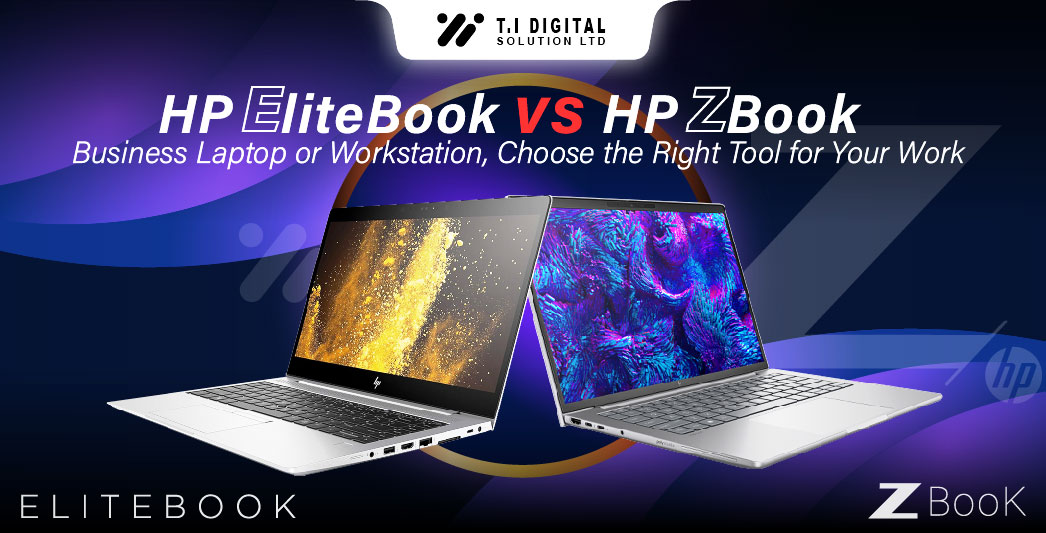
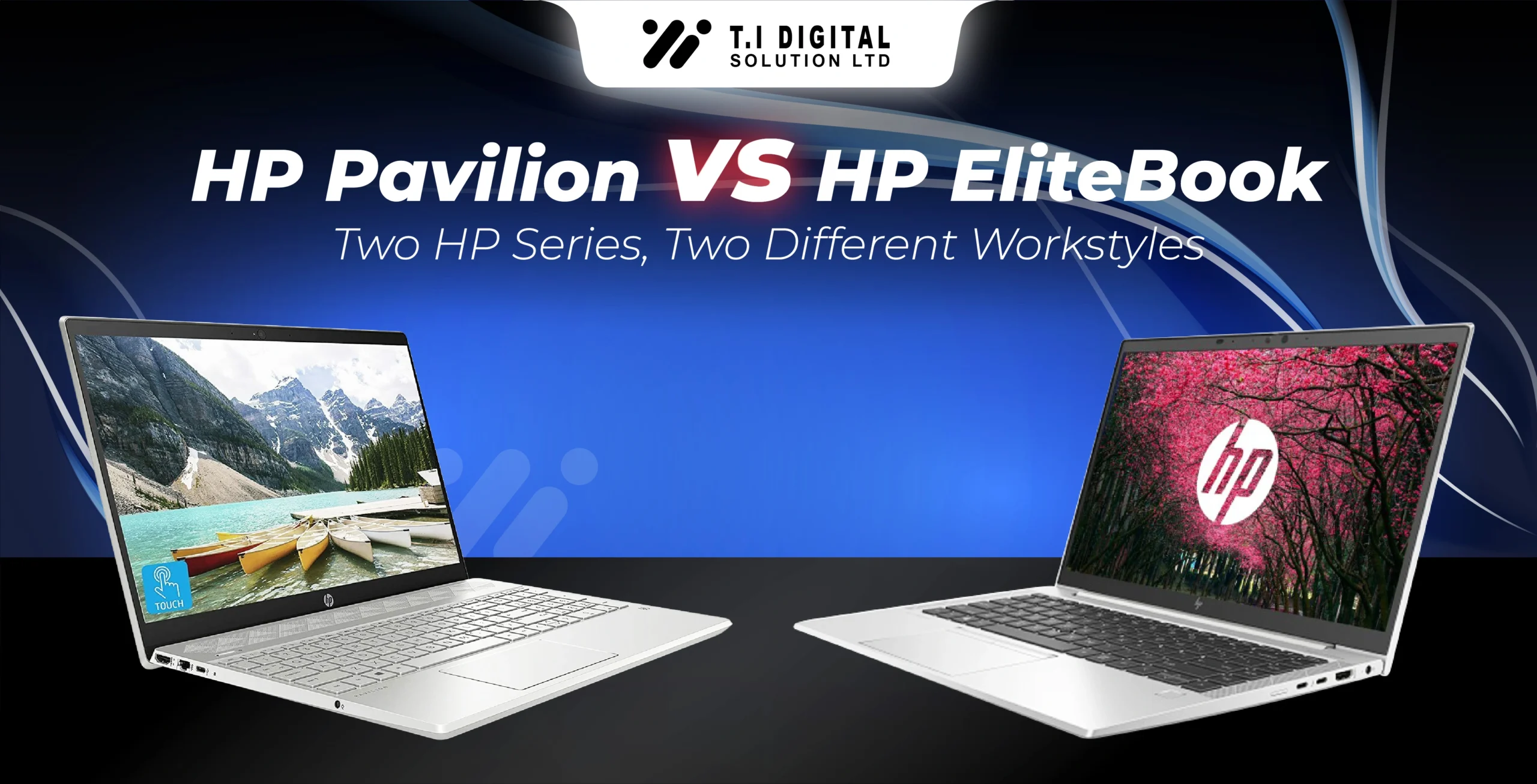
HP ZBook vs EliteBook: Where the Line Is Drawn
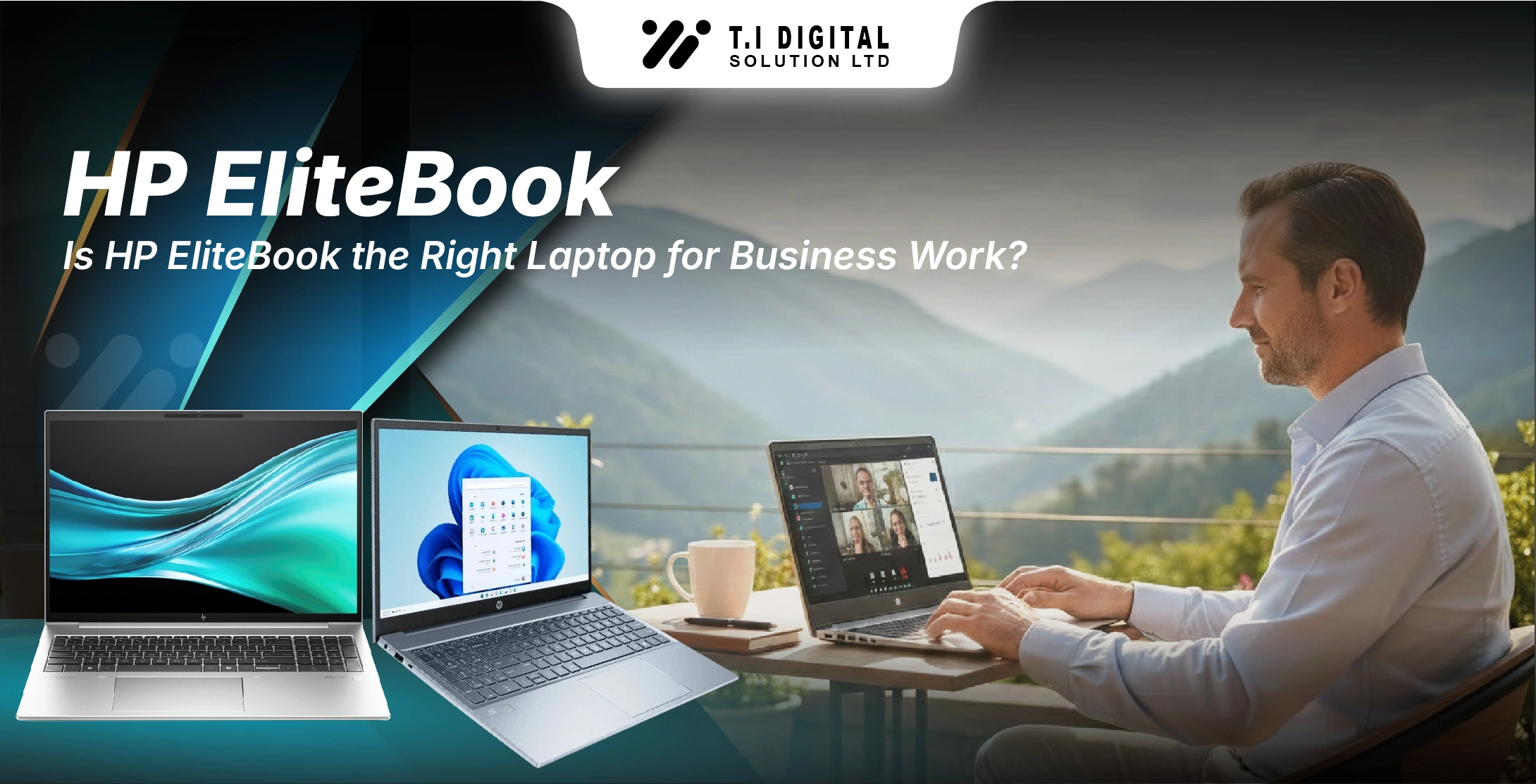
This comparison matters, especially if you’ve already read your EliteBook blog.
EliteBook is enough when:
EliteBook starts to fail when:
That’s exactly why ZBook exists. It doesn’t replace EliteBook — it serves a different user entirely.
Who Should Buy an HP ZBook in 2026
HP ZBook makes sense if you are a:
If your laptop is part of your production pipeline, ZBook fits.
Who Should NOT Buy an HP ZBook
This part is important.
You should not buy an HP ZBook if you are: