

HP Pavilion vs EliteBook: Which One Should You Choose in 2026?
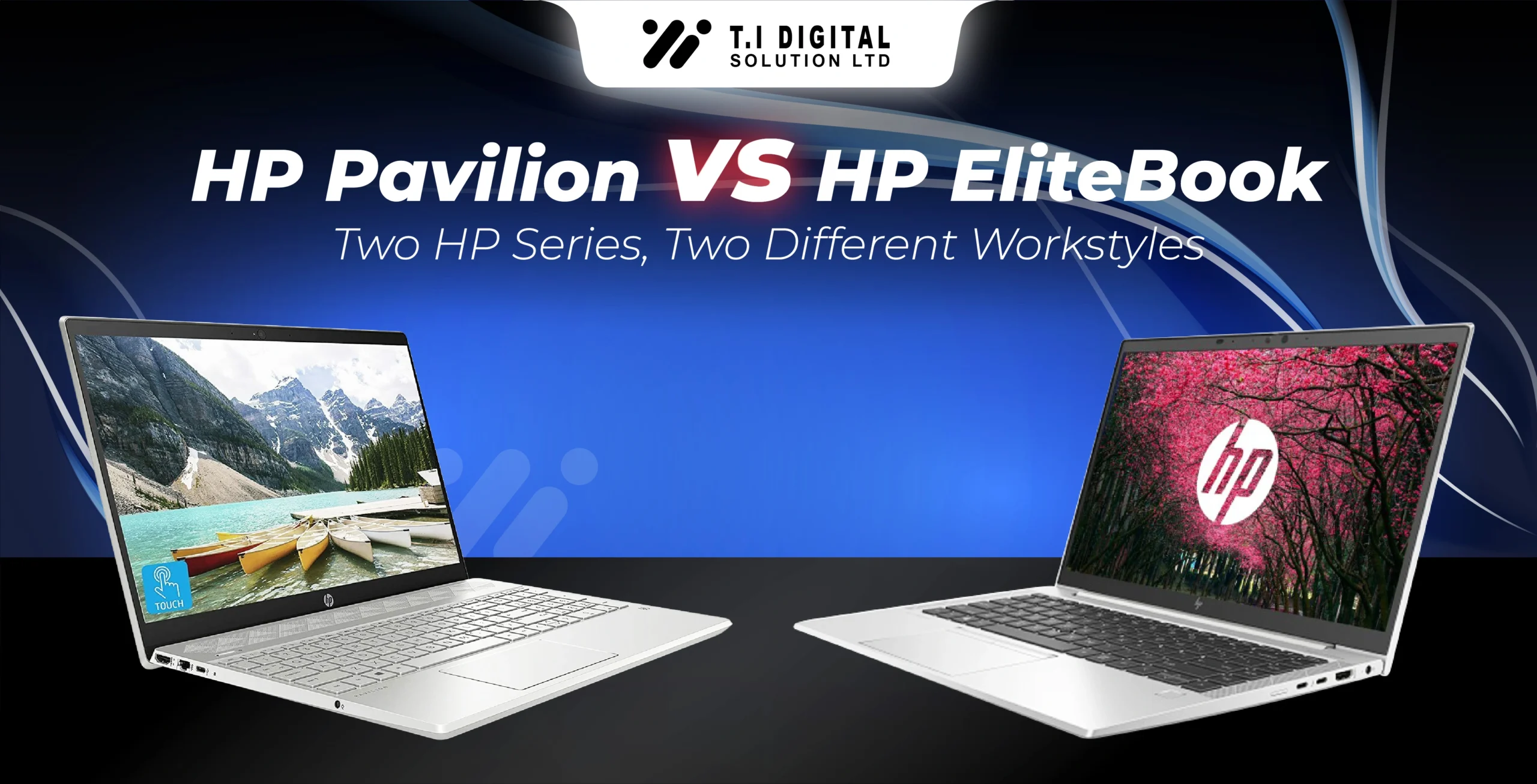
Choosing between HP Pavilion and HP EliteBook can feel confusing at first. On the surface, both are HP laptops, both look modern, and both handle everyday computing well. But in reality, they are built for very different types of users, and understanding that difference is what helps you make the right purchase — not just a popular one.
In 2026, HP continues to position Pavilion as a consumer-focused, value-driven series, while EliteBook remains firmly targeted at professionals, businesses, and remote workers. The key is not which one is “better,” but which one fits how you actually work, study, and use your laptop daily.
Let’s break it down properly.
If you’re still comparing different HP models across budgets and use cases, you can also browse our full HP Laptops collection to see how Pavilion and EliteBook fit within HP’s wider lineup.
Understanding the Core Difference Between Pavilion and EliteBook
The biggest difference between Pavilion and EliteBook is intent.
HP Pavilion laptops are designed for general-purpose use. They are made for students, home users, freelancers, and anyone who needs a capable laptop for browsing, coursework, office tasks, streaming, and light creative work. Pavilion focuses on comfort, design, and affordability, making it one of HP’s most popular everyday series.
HP EliteBook, on the other hand, is built with a professional environment in mind. These laptops are designed to survive long workdays, frequent travel, secure logins, and business-level workloads. From stronger chassis materials to advanced security features, EliteBook prioritises reliability, data protection, and long-term durability.

Performance: Everyday Speed vs Professional Stability
In day-to-day performance, both Pavilion and EliteBook feel fast — but they achieve that speed differently.
HP Pavilion models are commonly equipped with Intel Core i5, i7, or AMD Ryzen processors, paired with SSD storage. This setup is more than enough for:
- Online classes and assignments.
- Microsoft Office and Google Workspace.
- Video calls and meetings.
- Streaming and casual multitasking.
For most users, Pavilion delivers smooth performance without feeling overpowered or unnecessary.
EliteBook laptops go a step further. Many 2026 models feature Intel Core Ultra processors, faster memory configurations, and optimised thermal management. This makes them better suited for:
- Continuous multitasking across multiple apps.
- Business software and data-heavy tasks.
- Long working sessions without performance drops.
EliteBook performance is less about raw speed and more about consistency under pressure.
Build Quality and Durability: Where EliteBook Pulls Ahead
This is one area where the difference becomes immediately noticeable.
HP Pavilion laptops are well-built for everyday use, with clean designs and lightweight bodies. They are easy to carry, comfortable to use, and ideal for home or classroom environments. However, they are not designed for rough handling or constant travel.
EliteBook laptops are built using premium materials like aluminium and magnesium alloys, and many models meet MIL-STD durability standards. This means they are tested for drops, vibrations, and temperature changes — something business users genuinely benefit from.
If your laptop travels with you daily, or if downtime would affect your work, EliteBook clearly has the edge.
Security and Privacy: A Major Divider
Security is where Pavilion and EliteBook truly separate.
HP Pavilion includes basic protections such as:
- Password and PIN login.
- TPM security support.
- Standard OS-level protection.
This is perfectly fine for students and personal users.
EliteBook laptops, however, are built around enterprise-grade security, including:
- HP Wolf Security.
- Hardware-level protection against firmware attacks.
- Secure boot and BIOS-level recovery.
- Fingerprint readers and IR cameras on many models.
For professionals handling sensitive data, remote workers accessing company systems, or businesses managing multiple devices, EliteBook security is a major advantage.
Many EliteBook laptops also include HP Wolf Security, a layered protection system that safeguards hardware, firmware, and software — something we’ve explained in detail in our dedicated article on HP Wolf Security.

Battery Life and Portability
Both series perform well here, but again, the focus is different.
Pavilion laptops prioritise comfort and everyday portability. Battery life is good enough for classes, meetings, and home use, and charging is straightforward.
EliteBook models are optimised for all-day work, often offering longer battery endurance and fast charging support. This matters when you work remotely, travel often, or attend long meetings without easy access to power outlets.
If your work involves remote access, corporate systems, or long working hours, EliteBook models are designed for those environments, which we explain further in our HP laptops for business and remote work guide.
Price and Value: Choosing What You Actually Need
Price is often the deciding factor.
HP Pavilion laptops are generally more affordable and offer excellent value for:
- Students.
- Home users.
- Freelancers on a budget.
- Families sharing a device.
- EliteBook laptops are priced higher — and intentionally so. You’re paying for:
- Stronger build quality.
- Advanced security.
- Business-grade reliability.
- Longer lifecycle support.
If those features directly support your work, the investment makes sense. If not, Pavilion remains the smarter choice.
If you’re still unsure how to match specifications with your real-world needs, our guide on how to choose the right HP laptop breaks the decision process down step by step.
Which One Should You Choose in 2026?
Choose HP Pavilion if:
Choose HP EliteBook if:
You’re a student or home user
Your work is mostly web-based or office-related
You want good performance at a reasonable price
You prefer a stylish, lightweight laptop
You work remotely or in a professional environment
Security and data protection matter to you
You need long-term durability
Your laptop is a daily work tool, not just a convenience
Both are excellent — they simply serve different purposes.
If you’re still deciding, you can explore our HP Pavilion and HP EliteBook collections to compare available models and configurations.
Find Related Products
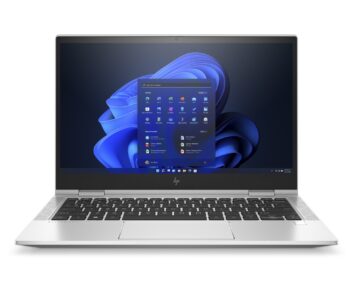
- RAM: 16 GB
- Storage: 512 GB SSD
- Processor: Intel Core i7
- Screen Size: 13.3 inch
- Color: Silver
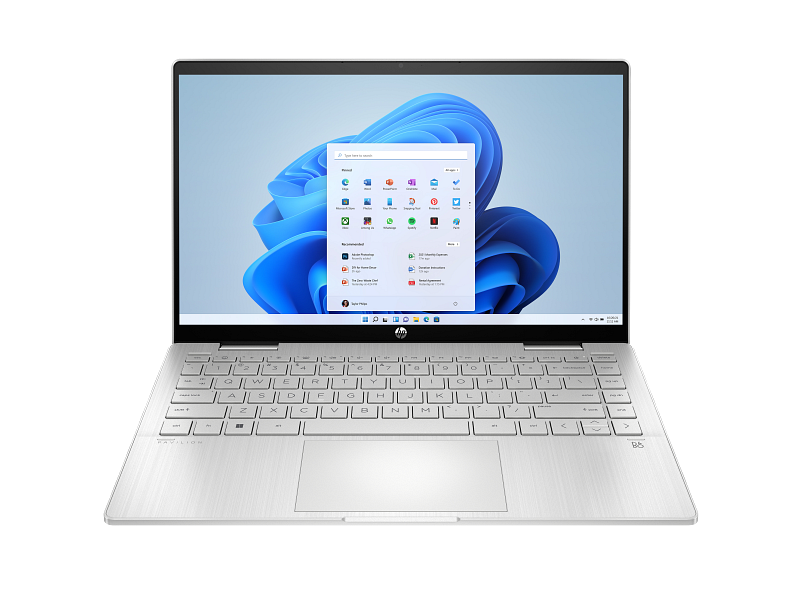
- RAM: 16 GB
- Storage: 1 TB SSD
- Processor: Intel Core i7
- Screen Size: 14 inch
- Color: Silver

Laptop & Computing Technology Expert. Daniel has a passion for testing laptops, tablets, and accessories that make everyday work faster and smarter. Whether it’s a high-performance Dell laptop or a reliable tablet for creatives, Daniel’s reviews focus on real-world performance and what actually matters to users.
7yrs of Experience in Industry
Recent Blogs