

Why HP Wolf Security Matters: The Most Important Layer for Your Business Laptop
In the modern enterprise landscape, your business laptop is your most important tool—and your most vulnerable asset in today’s business world. With hybrid work, advanced phishing, and AI-powered threats becoming the norm, relying solely on an operating system’s built-in defenses is a massive risk. This is where HP Wolf Security steps in, transforming your hardware from a simple computing device into a resilient, self-healing fortress.
As expert analysts in the business technology space, we recognize that security must be proactive, not reactive. HP Wolf Security is not just a software package; it’s a revolutionary portfolio of hardware-enforced and software-driven services designed to protect your data, identity, and devices from the core of the processor right up to the cloud.
If you buy a secure HP business laptop like the HP EliteBook Wolf Security model, you need to know about these features in order to really feel safe and protect your data.
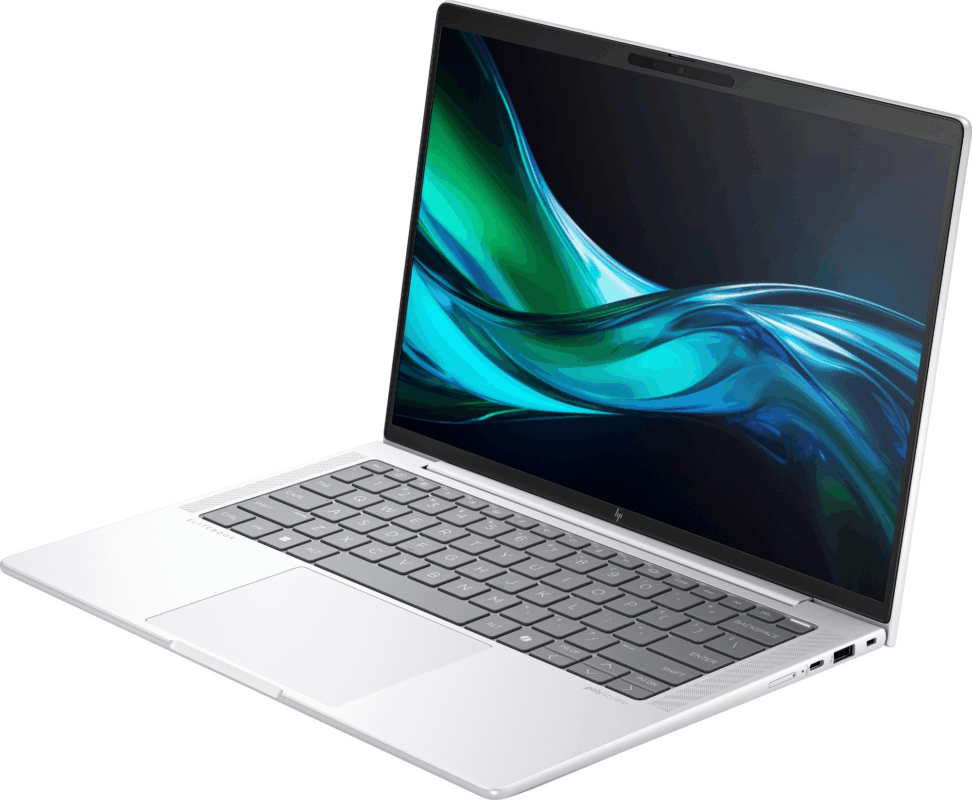
Recommended Secure Laptops: HP EliteBooks with Core Wolf Security
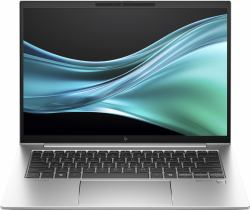
For professionals demanding the best blend of performance and hardware-enforced security, these EliteBook models are equipped with the full suite of HP Wolf Security features.
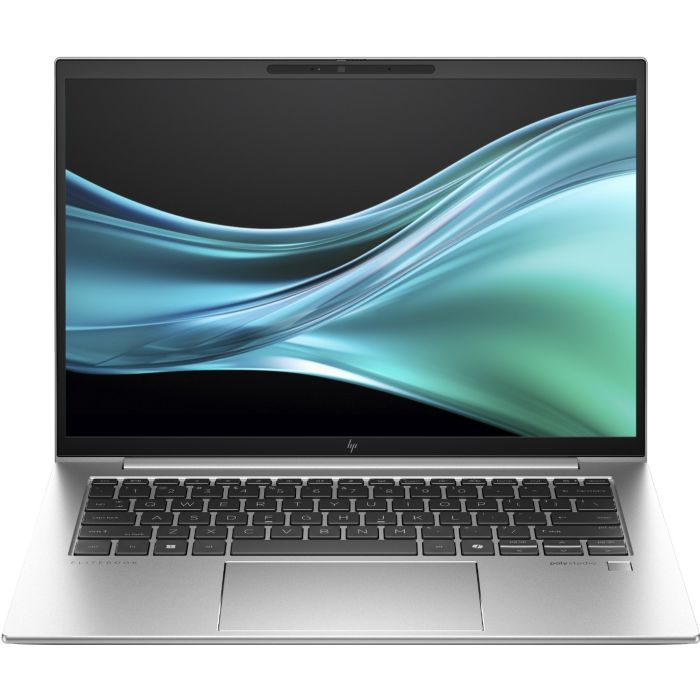
Best for Executive & innovator
Key Core Ultra Benefit:
Full suite, including HP Sure View (Privacy Screen).
Ram 16 GB
Storage 512 GB SSD
Processor Intel Core Ultra 7
Screen Size 14″ Inches
Color Silver
Reslution 1920 x 1200 pixels
A Look at the Security Features of HP Wolf Security – Four Ways to Keep Yourself Safe
HP Wolf Security is a multi-layered, all-in-one way to keep endpoints safe. It uses a “Zero Trust” model, which means that every interaction and part is checked, making it much more resilient than traditional security solutions.
1. Protection Below the OS: The Hardware Foundation
The most critical layer of defense is the one that protects the system before the operating system (OS) even loads. This is where HP’s hardware-enforced security delivers unparalleled endpoint security in HP laptops.
- HP EliteBook This is the world's first self-healing BIOS (Basic Input/Output System). Sure Start will automatically find the problem, isolate the threat, and restore the system to a clean, safe state if malware or an attack corrupts your BIOS. This can all happen without any help from IT.
- HP Sure Run: This feature keeps your important security processes and apps (like antivirus or system management tools) running even if advanced malware tries to shut them down. It keeps an eye out for unusual terminations and quickly restores important protections.
- HP Sure Recover: If something bad happens, like a major drive failure or a ransomware attack, Sure Recover can quickly restore the device's original software image using only a network connection. This means that the employee can get back to work in minutes instead of hours.
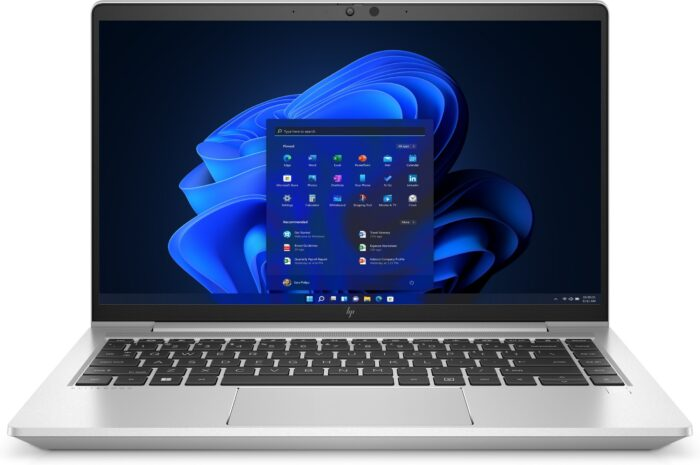
Best for Power User & Fleet Standard
Key Core Ultra Benefit:
Hardware-level protection via HP Sure Start & ESC Chip.
RAM 16 GB
Storage 512 GB SSD
Processor Intel Core Ultra 7
Screen Size 14″ Inches
Color Pike Silver
Reslution 1920 x 1200 pixels
2. Protection at the Browser and File Level
Most cyberattacks, especially ransomware and phishing, start when an employee clicks on a bad link or downloads a file that has a virus in it. HP Wolf Security stops these threats by keeping them from getting to the core system.
- HP Sure Click: Micro-virtualization technology is used by this feature to keep you safe from threats that come from the web and email. When a user clicks on a link they don't trust, downloads an email attachment, or opens a document they think is suspicious, it starts in its own separate micro-VM (Virtual Machine). If the threat is bad, it stays in the micro-VM and is deleted right away when the user closes the tab or document. The rest of the laptop and network are fine.
- Application Containment: Application Containment: This principle applies to other applications as well, keeping possible threats away from high-risk or old software.
3. Identity and Privacy Protection
With more work happening remotely, user credentials (passwords) are a prime target. HP Wolf Security integrates features to defend the login process.
- HP Sure View: This is a physical, integrated privacy screen that can be instantly activated with a single key press. This physically blocks "visual hacking" (shoulder surfing) in public or shared spaces, protecting sensitive visual data. .
- HP Sure Sense is a next-generation antivirus program that uses AI and deep learning to quickly find and isolate malware that has never been seen before. It offers better protection than traditional signature-based tools.
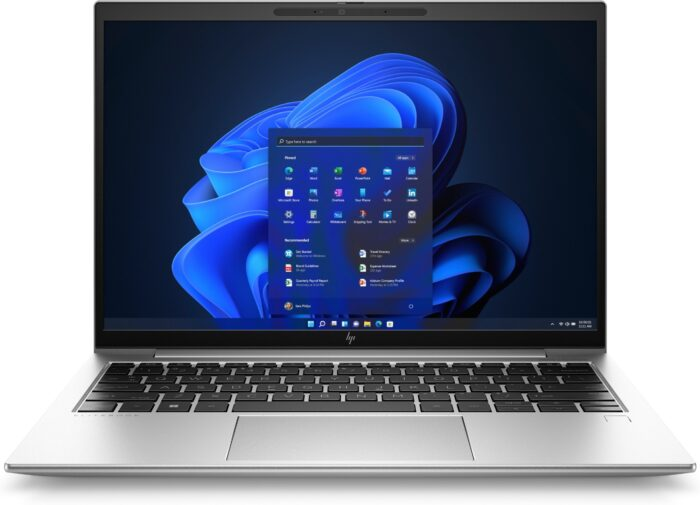
Best for Maximum Protability of 13.3”
Key Core Ultra Benefit:
Compact design with full Sure Click malware containment.
Ram 8 GB
Storage 256 GB SSD
Processor Intel Core Core i5
Screen Size 13.3″ Inches
Color Silver
Reslution 1920 x 1200 pixels
The Essential HP Wolf Security Benefits for Your Business
For any business that uses secure HP business laptops, HP Wolf Security is more than just a way to block malware; it makes the whole IT ecosystem much stronger.
Enhancing Trustworthiness and Compliance
Legal compliance is directly linked to data security in fields like finance, healthcare, and law (for example, GDPR and HIPAA).
- Data Protection and Regulation: HP Wolf Security features make sure that data protection standards are followed more closely by protecting the BIOS, firmware, and sensitive files. The strong data protection features from HP help show that you took the right steps to protect your data.
- Unified Management: IT teams can manage the security portfolio from one place, giving them full visibility and control over all the devices in the fleet and making sure that security policies are always followed.
Getting the most out of your employees’ work and experience:
The best security is the kind that employees don’t even notice. HP Wolf Security works mostly in the background so that there are fewer problems.
Traditional Security Challenge
HP Wolf Security Solution
Productivity Impact
System slowdowns during malware scans.
Time lost restoring an infected laptop.
Fear of clicking a suspicious email.
HP Sure Sense (AI-driven) operates with minimal system resources
HP Sure Recover performs a fast, automated system restore.
HP Sure Click isolates threats in micro-VMs.
Faster performance, uninterrupted workflow.
Reduced downtime from hours to minutes.
Employees can safely use their email and browser without anxiety.
Future-Proofing Against AI-Powered Threats
As attackers use generative AI to make phishing attempts that look very real and zero-day exploits that are very advanced, hardware-level defenses become even more important.
- HP Wolf Security uses silicon-level controls (BIOS protection) and micro-virtualization (Sure Click) to create a layer of defense that is completely separate from the operating system and software stack. This makes it much harder for new, AI-generated threats to get through.
How HP Wolf Security Works: Integration of EliteBook and ProBook
HP’s premium business lines come with HP Wolf Security, which greatly increases the value of your hardware investment.
- HP EliteBook Wolf Security: As the flagship line (which you've covered in detail), EliteBooks come with all of HP Wolf Security's features, such as Sure Start, Sure Recover, Sure Click, and Sure Sense. Because of this, the EliteBook is the best choice for executives, consultants, and anyone else who works with very private business information.
- HP ProBook: ProBooks usually have a few fewer features than EliteBooks, but they still offer strong security. Core protection tools like HP Sure Click, on the other hand, are still standard and provide strong protection for most business needs. Check out our full analysis to find out which line best meets your needs and budget: HP EliteBook vs HP ProBook: Which Is Better for Business?
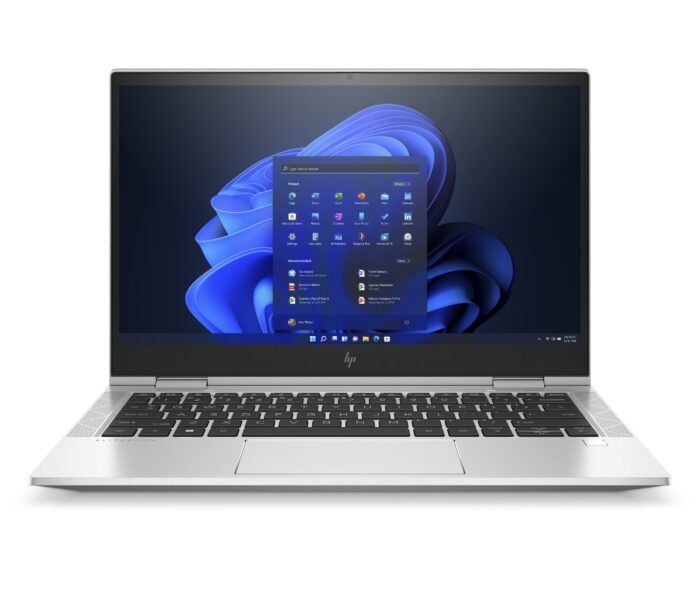
Best for Processor-Agnostic Security
Key Core Ultra Benefit:
Shows consistent HP Wolf Protection across AMD platforms.
Ram 8 GB
Storage 256 GB SSD
Processor AMD Ryzen 5
Screen Size 14″ Inches
Color Silver
Reslution 1920 x 1080 pixels
Why Endpoint Security in HP Laptops Is Different?
The HP Endpoint Security Controller (ESC), a separate physical chip, is what makes this product stand out. This chip makes many of the Wolf features work (like Sure Start) and controls them without the CPU or the OS. This hardware root of trust makes sure that external software or malware can’t turn off, get around, or mess with the security features.
Conclusion: Making Security a Competitive Advantage
In today’s digital world, security is no longer a cost center; it is a key competitive advantage and a must-have for business continuity.
HP Wolf Security is the answer to the growing complexity of cyber threats. It provides integrated, strong, and easy-to-manage protection for all of your business laptops. When you buy secure HP business laptops with this portfolio, you give your employees the freedom to work confidently and productively, knowing that their devices are safe from the ground up.
If your company already uses HP EliteBooks and ProBooks, the best thing you can do to protect your digital assets is to make sure that all of the HP Wolf Security features are fully used. These models are the best that HP has to offer in terms of secure computing. Check out our guide on the Top 5 HP EliteBook Models for Professionals in 2026 for a more in-depth look at these and other high-end devices that focuses on performance.
FAQs:
What kinds of hardware-level threats does HP Wolf Security protect against?
HP Sure Start protects against firmware attacks, BIOS corruption, and rootkits. HP Sure Click’s secure micro-VMs keep malware and ransomware out. If you have more than 200 devices (PCs, APs, phones, cameras), a 48-port switch provides the scalability you need.
What is the main advantage of HP Wolf Security over antivirus software for home users?
HP Wolf Security protects your hardware and can heal itself and stop threats. Most antivirus software only works with the operating system.
Is the standard version of HP Wolf Pro Security good enough for my business laptop, or do I need the pro version?
The standard version is good for personal use, but HP Wolf Pro Security is better for businesses because it adds centralized management and advanced analytics.
Which HP EliteBook model has all of the HP Wolf Security features?
All HP EliteBook models come with the full HP Wolf Security suite, which includes Sure Start, Sure Click, Sure Run, Sure Recover, and Sure View.
Find Related Products
- RAM: 16 GB
- Storage: 512 GB SSD
- Processor: Intel Core i7
- Screen Size: 13.3 inch
- Color: Silver
- RAM: 32 GB
- Storage: 1 TB SSD
- Processor: Intel Core Ultra 7
- Screen Size: 14 inch
- Color: Silver

Laptop & Computing Technology Expert. Daniel has a passion for testing laptops, tablets, and accessories that make everyday work faster and smarter. Whether it’s a high-performance Dell laptop or a reliable tablet for creatives, Daniel’s reviews focus on real-world performance and what actually matters to users.
7yrs of Experience in Industry
Recent Blogs