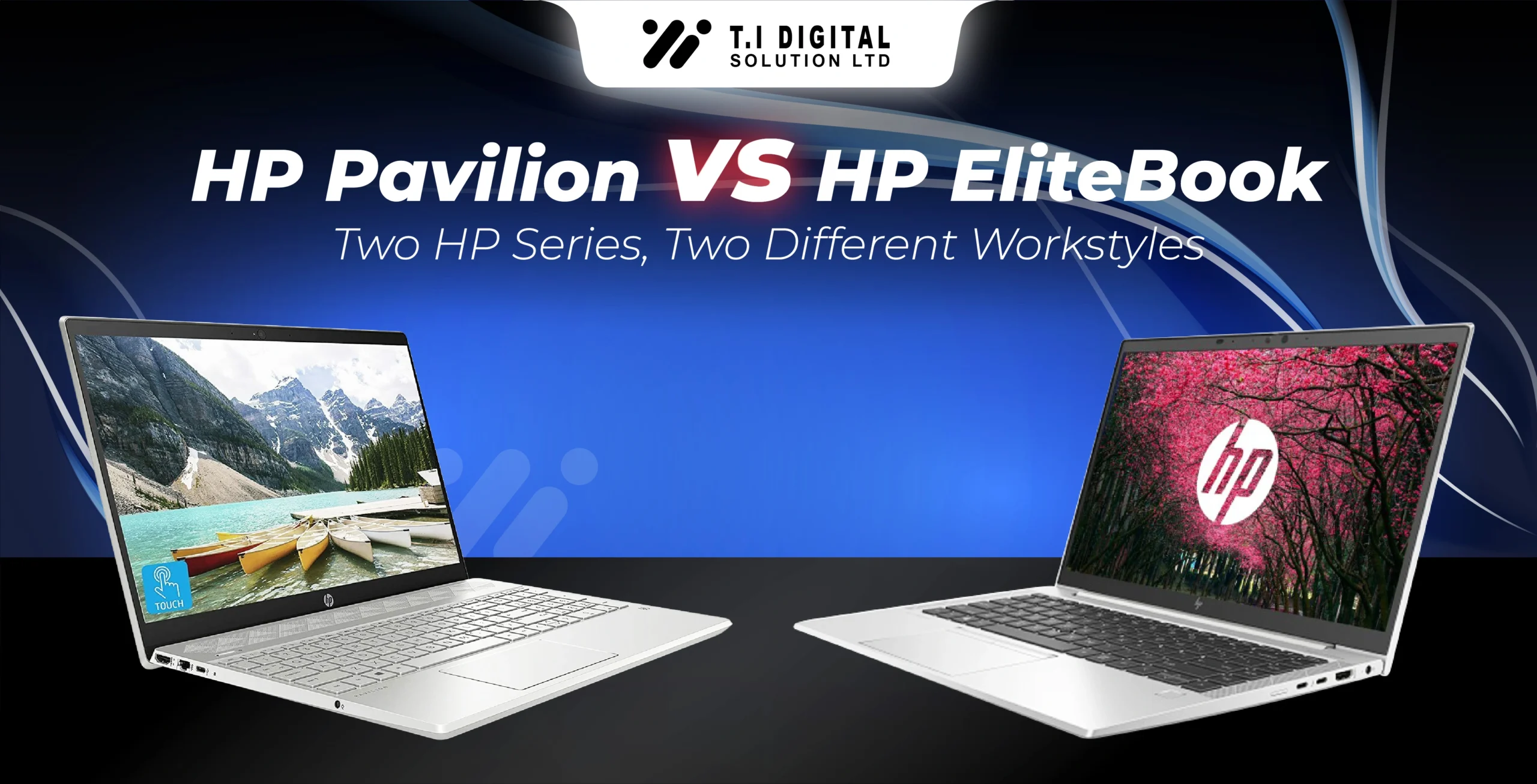
HP Pavilion vs HP Envy: Which Laptop Series Offers Better Value?

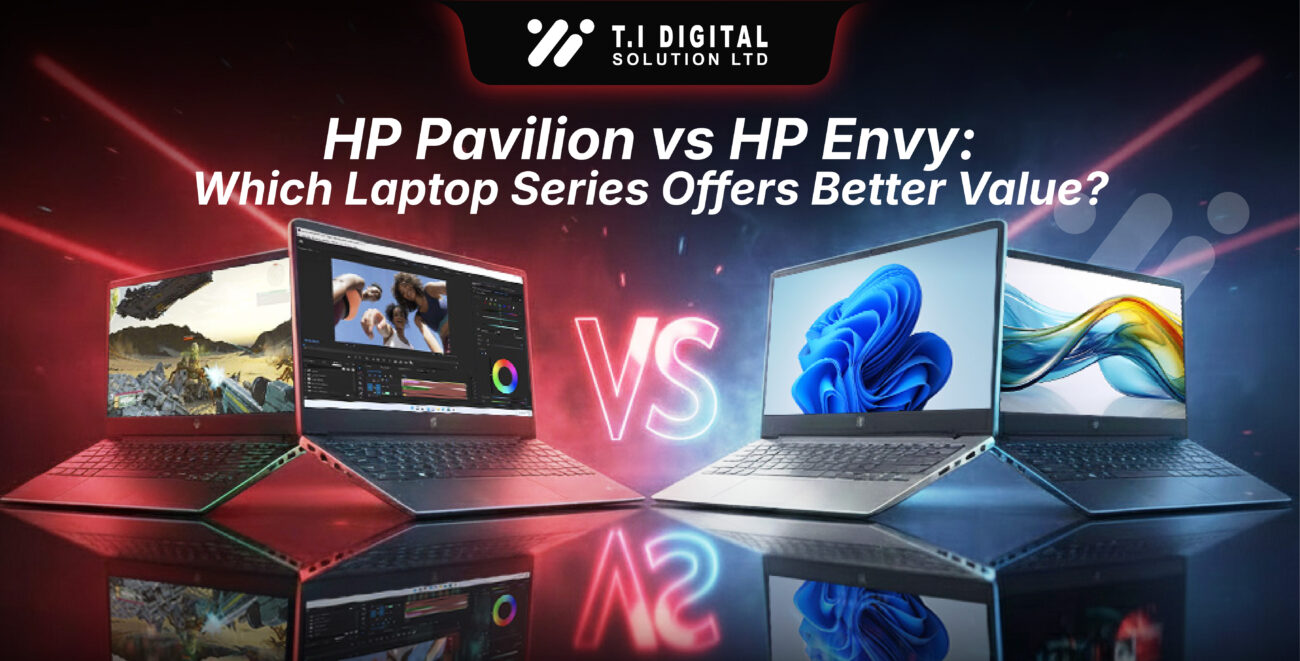
HP Pavilion vs HP Envy: Which Laptop Series Offers Better Value

Choosing between the HP Pavilion and HP Envy series can feel confusing, especially when both lines offer strong performance and modern features. This guide breaks down the real-world differences in design, performance, display quality, features, and most importantly overall value. 

[ez-toc]

Quick Overview of Each Series 

HP Pavilion vs HP Envy: At a Glance

Before diving deeper, here’s a quick snapshot to help you understand where each laptop series excels.

The Pavilion line focuses on affordable, well-rounded configurations, while the Envy lineup prioritizes premium design, aluminum construction, and higher-end hardware.

Comparison Table:

Category

HP Pavilion

HP Envy

Price Tier

Primary Build Material 

Target Audience

Highest Display Spec

Design Aesthetic

Budget to mid-range.

Plastic or hybrid chassis.

Students, general users, budget buyers.

Full HD or limited upgrades.

Practical and lightweight.

Mid-range to premium.

Full aluminum chassis.

Creatives, professionals, premium shoppers.

4K, OLED, high-color-accuracy panels.

Sleek, modern, upscale.

Design & Build Quality:

Build Material & Durability:

Most HP Pavilion laptops use a plastic or mixed-material chassis designed to keep prices low. While these models hold up well for everyday use, plastic simply can’t match the durability or premium feel of metal.

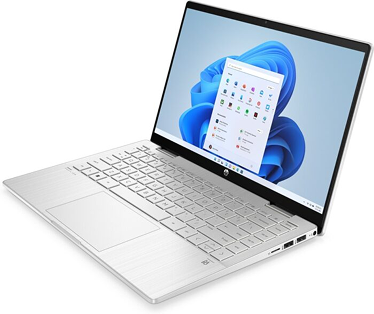
The HP Envy, on the other hand—especially models like the HP Envy x360—features a sturdy aluminum chassis. This gives it a more premium look, better structural rigidity, and a longer-lasting feel you notice the moment you pick it up.

Form Factor & Portability:

Pavilion laptops tend to be lighter thanks to their simpler cooling systems and plastic builds, making them a great fit for students or commuters.

Envy models are slightly heavier because they house bigger batteries, more advanced cooling, and premium build materials. They’re still portable—but lean more toward performance-driven mobility than ultralight minimalism.

Performance: CPU, RAM & Storage:

Processor Options:

HP Pavilion

HP Envy

Typically offers Intel Core i3/i5 or AMD Ryzen 5 CPUs.

Typically offers Intel Core i3/i5 or AMD Ryzen 5 CPUs. 
Pavilion models focus on efficiency and everyday responsiveness. These processors are designed to handle common tasks smoothly without unnecessary power consumption or added cost.

Includes higher-end Intel Core i7 and AMD Ryzen 7 configurations.


Envy CPUs offer more cores, higher boost speeds, and stronger sustained performance. This gives the Envy lineup a clear advantage when handling complex workloads that require more raw processing power. 

Perfect for web browsing, streaming, office work, and multitasking.


With these chips, the Pavilion delivers quick startup times, seamless app switching, and solid performance for students, remote workers, and general users. It's an ideal balance of speed and affordability, especially if your workflow is centered around documents, spreadsheets, browser tabs, and entertainment. 

Better suited for creative workloads, heavier multitasking, and demanding applications.


These higher-tier processors are ideal for users who regularly work with large files, edit photos or videos, run data-heavy applications, or keep dozens of tabs open. Whether you're a creator, a professional multitasker, or someone who pushes their laptop harder, the Envy delivers the headroom you need.

Graphics & Gaming Capability:

Display and Visuals:

Screen Technology:

Pavilion models usually come with standard 1080p panels—great for general productivity and media consumption.

Envy laptops push further with upgrades like OLED, 4K, and wider color-gamut options. These displays offer richer colors, deeper blacks, and sharper visuals—ideal for editors, designers, and anyone who appreciates top-tier picture quality.

Touchscreen & 2-in-1 Models:

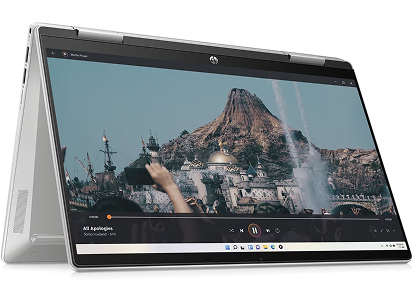
Pavilion x360:

An affordable 2-in-1 with responsive touch and flexible usability—excellent for note-taking or casual tablet use.

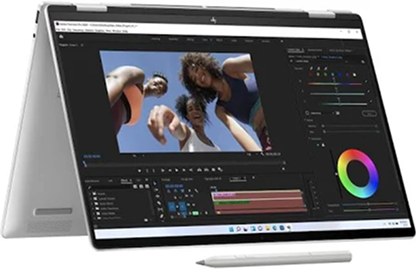
Envy x360:

A more premium experience featuring stronger hinges, brighter screens, and enhanced pen input accuracy.

Ports, Audio & Extral Features:

Ports:

Audio:

Extra Features:

Pavilion x360:

Envy x360:

Includes practical ports like USB-A, USB-C, and HDMI—perfect for students or home setups.

Adds premium options like Thunderbolt, ideal for fast file transfers, external GPUs, and high-end docking stations.

Both lines feature Bang & Olufsen audio tuning, but the Envy benefits from better speaker placement and higher-quality acoustic chambers.

Envy models typically offer upgraded webcams, privacy shutters, and fingerprint readers—useful for professionals and remote workers.

Pricing Breakdown: Finding Your Value Sweet Spot:

Entry-Level (Pavilion Strength): Pavilion shines in the budget range, delivering excellent value without cutting essential performance.

Mid-Range: Both lines overlap here, but Pavilion remains more Budget friendly.

Premium (Envy Strength): You’re paying for premium materials, more powerful CPUs, OLED options, and a higher performance ceiling.

In short: Envy costs more because you’re getting more premium build quality and hardware headroom.

The Final Verdict: HP Pavilion vs HP Envy Recommendation

Best for Portability & Premium Design: HP Envy

If you prefer a sleek, aluminum build paired with higher-end displays (including OLED), more powerful CPU options, and the occasional dedicated GPU, the HP Envy is your best match. It’s ideal for creative users and professionals who value both performance and premium design.

Best for Budget & Versatility (The Value Winner): HP Pavilion

If you mainly need a laptop that balances affordability, everyday performance, and versatility, the HP Pavilion is the better pick. It hits the sweet spot for students, home users, remote workers, and anyone wanting reliable performance at a great price.

Recommended Model: HP Pavilion 15″ (Core i5 or Ryzen 5)
A smart, budget-friendly choice offering fast everyday performance, solid battery life, and excellent value for the money.

Conclusion:

If you’re leaning toward the Pavilion because it balances price, performance, and portability so well, you’re already on the right track. Before you choose your exact model, you might find it helpful to explore a few of our related guides—especially if you’re comparing specs or trying to figure out which configuration fits your daily routine.

For example, our HP Pavilion Laptop Buying Guide 2025 is a great place to get a clearer idea of which models match different use cases. If you’re shopping for school or work on the go, the Best HP Pavilion Laptops for Students roundup breaks down battery life and portability in a really practical way. And if you’re eyeing something more flexible, the HP Pavilion x360 Review gives a straightforward look at what the 2-in-1 can actually do.

You can also dig into long-term expectations with our guide on how long HP Pavilion laptops last, or pick up some helpful tweaks in our article on maximizing battery life and performance on Windows 11 Pavilion laptops.

You can browse options for the Best HP Pavilion Laptops here. 

FAQs:

Which is better: HP Pavilion or HP Envy?

They combine performance, efficiency, and AI acceleration, enabling faster workflows and longer battery life. 

Yes. HP Pavilion laptops are excellent for everyday tasks like browsing, streaming, office work, video calls, and light multitasking. They prioritize value and efficiency, making them ideal for students and home users.

Most students prefer the HP Pavilion because it offers strong performance for schoolwork, long battery life, and budget-friendly pricing. However, students in design or media programs may benefit from the HP Envy’s better displays and faster processors.

OLED is typically found on the HP Envy series, not Pavilion. Pavilion models primarily offer Full HD panels, while the Envy line pushes into OLED, 4K, and wider color-gamut displays.

Envy laptops often last longer due to their aluminum build, higher-quality components, and stronger cooling. Pavilion laptops still offer solid durability—they just target a different price tier.

Yes, in most ways. While both are flexible 2-in-1s, the Envy x360 offers better materials, brighter displays, stronger pen performance, and faster CPUs. The Pavilion x360 remains a great budget alternative.

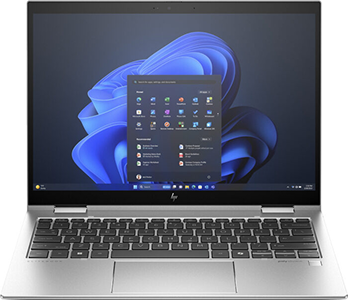
  • RAM: 32 GB
  • Storage: 1 TB SSD
  • Processor: Intel Core Ultra 7
  • Screen Size: 13.3 inch
  • Color: Silver
  • RAM: 8 GB
  • Storage: 256 GB SSD
  • Processor: Intel Core i3
  • Screen Size: 14 inch
  • Color: Natural Silver
Featured Products:

Daniel

Laptop & Computing Technology Expert. Daniel has a passion for testing laptops, tablets, and accessories that make everyday work faster and smarter. Whether it’s a high-performance Dell laptop or a reliable tablet for creatives, Daniel’s reviews focus on real-world performance and what actually matters to users.

7yrs of Experience in Industry

Recent Blogs

Leave a Reply

Your email address will not be published. Required fields are marked *